Automate Code Timestamping with a GitHub App
If you have ever manually timestamped code, you know the routine: generate a hash, copy it somewhere safe, store a receipt, and repeat for every meaningful commit. It is repetitive, easy to forget, and fragile when you need it most. Automatic code timestamping with a GitHub App removes that entire manual burden.
Timestamp GIT is a managed GitHub App that anchors every commit hash from your monitored repositories into the Bitcoin blockchain automatically. There is no CLI tool to run, no receipt to file by hand, and no nightly batch job to remember. You install the app once, and the system handles commit detection, cryptographic anchoring, and proof delivery in the background.
This article walks through the one-time setup, the automated nightly pipeline, monitoring and failure handling, and the best practices for building a durable prior-art trail.
One-Time Setup: Install the GitHub App
The entire setup process happens in the GitHub interface.
- Install the Timestamp GIT GitHub App from the GitHub Marketplace.
- Select the repositories you want to monitor. Public repositories are supported on the free Open Source plan; private repositories are available on Pro Agency and Enterprise ZK plans.
- Grant the required permissions.
Permission requirements depend on the deployment mode:
- Standard Mode: The app needs read-only access to the source repository. GitHub does not offer a “commit hash only” permission, so read access is required for the app to see the HEAD commit hash. The app also needs read-write access to the target repository where proofs will be stored.
- Enterprise ZK Mode: The app does not need read access to the source repository at all. A GitHub Action on your infrastructure pushes only the commit hash to the Timestamp GIT API. You only grant read-write access to the target proof repository.
There are no CLI tools to install and no configuration files to maintain. After installation, the app is ready.
For air-gapped or fully self-hosted environments, Timestamp GIT is also available as a Docker image. If you need on-premises control, see the dedicated article on self-hosted timestamping with Docker. For most teams, the hosted GitHub App is the fastest path.
The Automated Pipeline: From Commit to Bitcoin Anchor
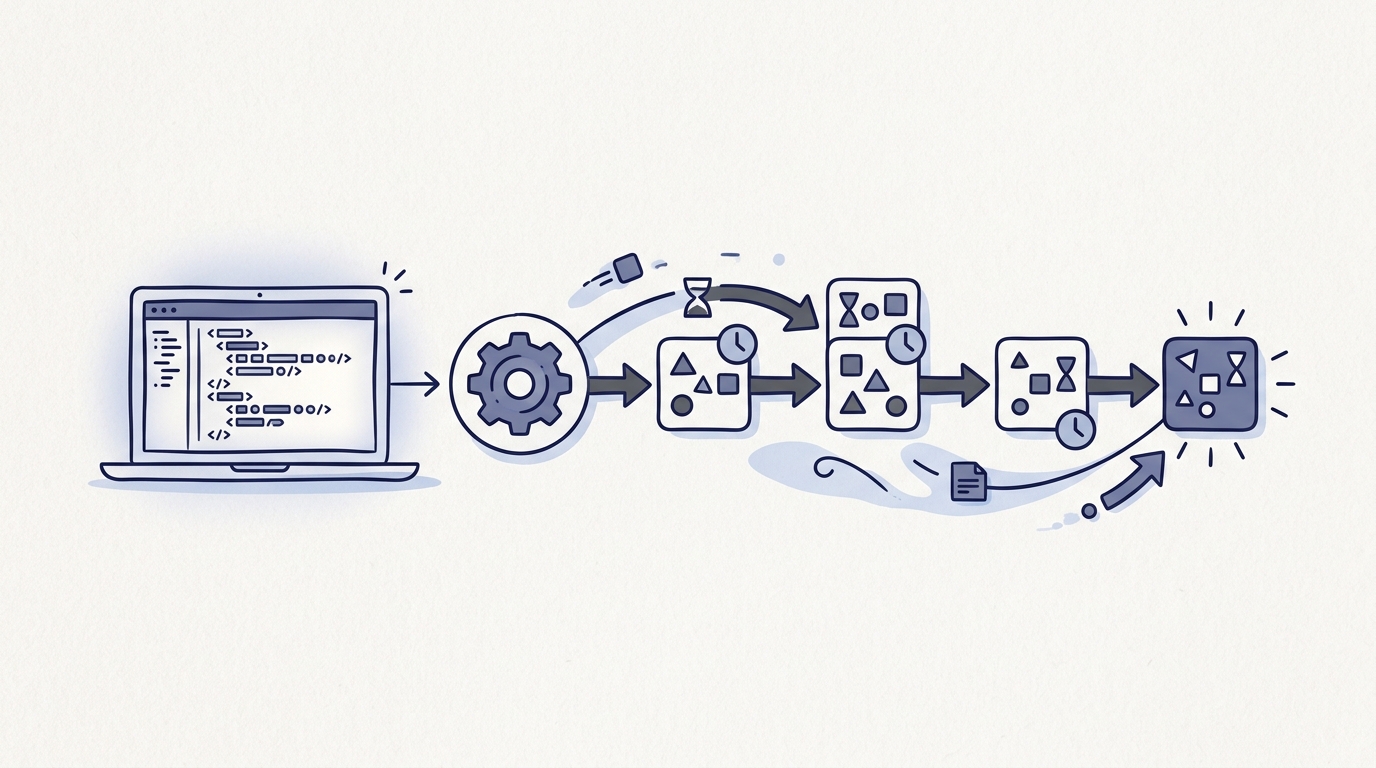
The core of Timestamp GIT is a nightly automation pipeline that requires zero day-to-day input from developers.
What happens after every commit
-
Commit detection
In Standard Mode, the GitHub App receives a webhook whenever you push a new commit to a monitored repository. In Enterprise ZK Mode, your GitHub Action pushes the commit hash to the API. -
Hash queue
Commit hashes are stored in an in-memory key-value store and wait for batching. -
Midnight cron worker
Each night, a worker groups all pending hashes, creates a manifest file for each repository, builds a Merkle tree natively, and creates OpenTimestamps proofs. The Merkle root for the daily batch is anchored into the Bitcoin blockchain. -
Proof delivery
The manifest and.otsreceipt files are pushed back to a dedicated timestamps branch or a shadow repository. Bitcoin confirmation normally takes about three hours, so the proof files appear a few hours after the nightly anchor.
The process is zero-knowledge by architecture. Timestamp GIT only sees the commit hash—a one-way fingerprint—never your source code. In Standard Mode, the app reads only the HEAD commit hash. In Enterprise ZK Mode, source code never leaves your environment because the commit hash is sent from your own GitHub Action runner.
Enterprise ZK mode with a GitHub Action
If you need strict source isolation, Enterprise ZK mode is the stronger option. A short GitHub Action runs on your infrastructure and pushes only the commit hash to the Timestamp GIT API.
A typical workflow looks like this:
name: Push commit hash to Timestamp GIT

on:
  push:
    branches:
      - main

jobs:
  timestamp:
    runs-on: ubuntu-latest
    steps:
      - uses: actions/checkout@v4
      - name: Send commit hash
        run: |
          curl -X POST "${{ secrets.TIMESTAMPGIT_SIGNED_URL }}" \
            -H "Content-Type: application/json" \
            -d "{\"commitId\":\"${{ github.sha }}\"}"
The signed URL comes from the Enterprise setup wizard and is stored as a GitHub secret. The action has no source code inspection step and no file uploads.
Two deployment modes at a glance
| Mode | Source access | Proof storage | Best for |
|---|---|---|---|
| Standard GitHub App | Read-only source repo | Dedicated branch or shadow repo | Fast, zero-setup automation |
| Enterprise ZK | No source access | Target repo you control | Trade secrets, compliance, strict security |
In both modes, the underlying Bitcoin anchoring is identical: the daily Merkle root is embedded in a Bitcoin transaction using the OpenTimestamps protocol. Once the transaction is confirmed in a block, the timestamp cannot be altered by anyone, including Timestamp GIT.
Monitoring and Failure Handling
Automation is only valuable when you can trust that it is still running. Timestamp GIT provides several monitoring surfaces.
Public status dashboard
Each repository has a status page that shows:
- The earliest anchor date
- Daily anchoring regularity
- Bitcoin block and transaction data
- A calendar heatmap of stamped days
- Downloadable audit CSV and PDF certificate
You can check the last anchored Bitcoin block through the public status API:
curl https://timestampgit.dev/api/statusLast/your-org/your-repo
A sample response looks like this:
{
  "blockHeight": 862400,
  "timestamp": "2026-09-25T00:37:00Z",
  "status": "confirmed"
}
For private repositories, status URLs include an encrypted HMAC so only authorized users can view the timestamp status. The HMAC is specific to the server instance.
What happens when something fails
Because the nightly batch runs on a schedule, a failed job does not silently drop your proof trail. The system retries the anchoring process automatically. The status page lets you spot gaps in the daily regularity and investigate whether a repository stopped sending new commit hashes.
For compliance and record-keeping, you can download the full audit ledger as CSV and a PDF certificate for a specific date:
GET /api/audit/{user}/{repo}— full audit CSVGET /api/report/{user}/{repo}/{date}— PDF certificate for a single day
Independent verification
Anyone can verify a timestamp without trusting the Timestamp GIT dashboard. The verification page walks through the multi-level Merkle chain verification locally in the browser. For a public repository, the .ots receipt file can also be verified against the Bitcoin blockchain using standard OpenTimestamps verification tools. Since the proof is embedded in Bitcoin, it remains verifiable even if the Timestamp GIT service disappears.
Best Practices for Automated Timestamping
Automated anchoring works best when it becomes a default part of your repository lifecycle.
- Enable it for all active repositories, not just critical ones. A broad prior-art trail is stronger than a sparse one. The marginal cost of stamping every commit is low with automation.
- Use Enterprise ZK mode for proprietary or trade-secret code. If you want zero source access from the timestamping provider, push only commit hashes from your own GitHub Action.
- Download audit CSVs regularly and store them separately. Keep redundant copies outside GitHub. Your
.otsfiles are already in your repo, but an additional offline copy is cheap insurance for legal audits. - Embed verification badges in your README. Public badges give collaborators, clients, and competitors a clear signal that your commit history is anchored. They link to the public verification viewer and PDF report.
- Send PDF certificates to clients. For agencies and freelancers, a daily PDF certificate can be added to invoices or milestone deliveries to prove work-completion dates.
- Consider Docker self-hosting for air-gapped environments. If you cannot use a hosted SaaS, the Docker self-hosted license gives you the same automation on your own infrastructure.
FAQ
What exactly is automated code timestamping with a GitHub App?
Automated code timestamping with a GitHub App means that every commit you make to a monitored repository is automatically cryptographically anchored to the Bitcoin blockchain without manual intervention. The app detects new commits, batches them nightly, and creates immutable proof receipts. No CLI tools or manual steps are required.
How does Timestamp GIT ensure my source code is never exposed?
Timestamp GIT uses a zero-knowledge architecture. In Standard Mode, the app only reads the commit hash—a one-way fingerprint—from your repository. In Enterprise ZK Mode, a GitHub Action on your infrastructure pushes only the commit hash to the API, so the app never has any access to your source code at all.
Can I use Timestamp GIT with private repositories?
Yes. Timestamp GIT supports private repositories on the Pro Agency and Enterprise ZK plans. For private repos, status badges and verification URLs include an encrypted HMAC so only authorized users can view the timestamp status.
What happens if Timestamp GIT’s service goes down? Can I still verify my timestamps?
Your timestamps remain fully verifiable even if Timestamp GIT disappears. The proofs are embedded in the Bitcoin blockchain using the OpenTimestamps protocol, and you can verify them locally with standard tools. The .ots receipt files are stored in your repository, so you always keep the evidence.
Conclusion: Set It and Forget It
Manual timestamping is a burden that automation eliminates completely. Timestamp GIT turns every commit into a Bitcoin-anchored proof of existence with no CLI, no nightly scripts, and no manual receipt management. You install the GitHub App once, and the system handles the rest: commit detection, Merkle tree construction, Bitcoin anchoring, and proof delivery.
If you are ready to protect your prior art without adding another manual process to your workflow, install Timestamp GIT from the GitHub Marketplace. Pricing starts with a free Open Source plan for public repositories, Pro Agency at $49/month for private repositories, and Enterprise ZK at $199/month for zero source access. A Docker self-hosted license is also available for air-gapped or on-premises deployments.
Related posts
- The Best GitHub App for Timestamping Your Commits
- Bitcoin Timestamping for Developers: A Beginner’s Guide
- Self-Hosted Timestamping with Docker: Timestamp GIT
- How to Prove Software Authorship: A Guide for Developers
- How to Verify a Git Commit Timestamp
- Automatically Timestamp Git Commits with a GitHub App
