Automate Git Commit Timestamping with a GitHub App
If you have ever tried to prove when a Git commit happened, you know the manual routine: create a cryptographic receipt for a commit hash, store the .ots file somewhere durable, map that receipt back to the right commit, and repeat the process for every branch and repository that matters. Miss one commit and you have a gap in your prior-art record.
Timestamp GIT replaces that routine with a GitHub App that timestamps Git commits automatically. This article is about the automation path, not the underlying cryptographic concepts. For background on proof of existence and why it matters, see Proof of Existence for Code: What It Is and Why It Matters.
The Manual Timestamping Chore You Can Eliminate
Manual timestamping usually fails for boring reasons, not security reasons.
- You forget to stamp an important feature branch.
- Receipts end up scattered across laptops, CI artifacts, and random folders.
- There is no clear mapping between receipt files and specific commits.
- Different teammates use different processes, or no process at all.
- When a dispute actually happens, you discover the receipt was never created.
The hard way is to work with OpenTimestamps directly: install tooling, stamp commit hashes by hand, and store receipt files yourself. That approach works technically, but it is a chore that competes with actual development work.
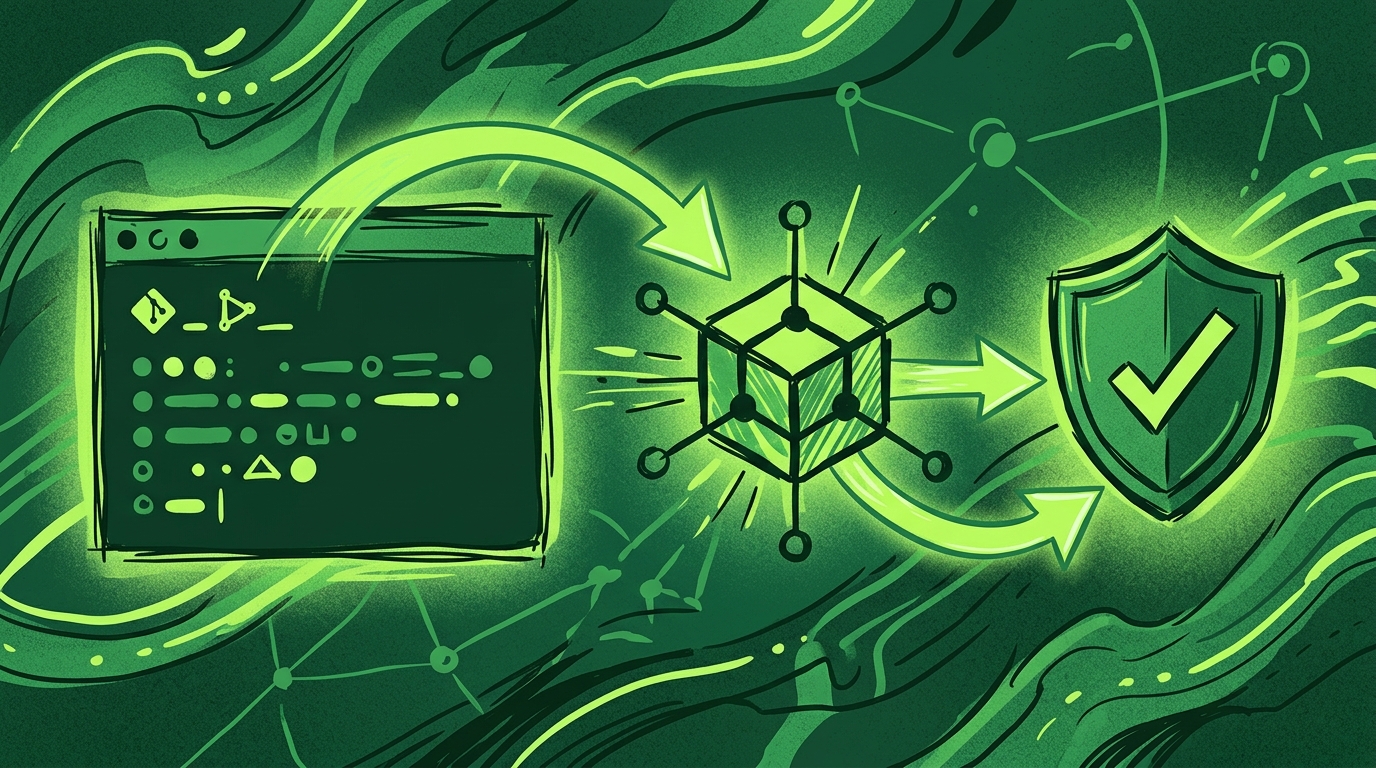
Timestamp GIT takes that chore off your plate. It is a managed SaaS and GitHub App that fully automates and hides the OpenTimestamps protocol. Once installed, it watches your repositories, collects commit hashes, and anchors them into the Bitcoin blockchain every night. No CLI tools, no manual receipt management, no remembering.
One-Time Setup: Connect Your Repository to the GitHub App
The setup model is deliberately boring: install once, connect repositories, and move on.
Standard Mode with the GitHub App:
- Install the Timestamp GIT GitHub App from the GitHub Marketplace.
- Grant access to the repositories you want to monitor.
- Choose where proofs should be stored: a dedicated branch in the same repository or a separate shadow repository.
- Done.
After installation, the GitHub App automatically starts monitoring new commits via webhooks. There are no code changes, no local configuration files, and nothing to install on developer machines.
Permissions in Standard Mode:
- The app needs read-only access to the source repository so it can read the HEAD commit hash.
- It needs read-write access to the target repository or branch where proof files will be stored.
- It never reads or stores your actual source code.
Enterprise ZK Mode for zero-knowledge environments:
If your security policy says your source code must never leave your infrastructure, you can use Enterprise ZK Mode. A 12-line GitHub Action runs on your side and pushes only the commit hash to the Timestamp GIT API. In this mode, Timestamp GIT does not need read access to the source repository at all — only read-write access to the target repository where proofs are stored.
This distinction matters for compliance teams: Standard Mode reads commit hashes from GitHub, while Enterprise ZK Mode sends only hashes from your GitHub Action.
The Automated Pipeline: From Commit to Bitcoin Anchor
After setup, the pipeline runs without manual intervention.
Each night, a worker process collects the day’s pending commit hashes and runs them through a batch:
- Commit hashes are detected by the GitHub App or pushed by your Enterprise ZK Action.
- Hashes sit in an in-memory queue until the nightly run.
- A midnight cron worker groups pending hashes by repository.
- The worker creates manifest files for each repository.
- It builds a Merkle tree from the daily batch.
- It creates OpenTimestamps proofs using public OTS calendars.
- The Merkle root is anchored into a Bitcoin block.
The manifest and .ots receipt files are then pushed back to your dedicated timestamps branch or shadow repository.
One important timing note: Bitcoin confirmation takes several hours, normally around three hours. Because the batch runs at midnight and anchoring completes later, proofs usually appear the next day. That delay is not a failure — it is the Bitcoin network doing the work that makes the timestamp immutable.
You can check the last anchored status with the REST API:
# Last anchored Bitcoin block info
curl -s https://timestampgit.dev/api/statusLast/acme/webapp

# Total committed/stamped commit count
curl -s https://timestampgit.dev/api/statusCount/acme/webapp

# Combined summary used by Shields.io badges
curl -s https://timestampgit.dev/api/statusSummary/acme/webapp
Replace acme/webapp with your GitHub user or organization and repository name.
For a public README, you can embed a verification badge. The Repository Connected page provides the Markdown snippet after installation. A typical badge looks like this:
[](https://timestampgit.dev/status/acme/webapp)
For private repositories, status URLs are protected with an encrypted HMAC. Only authorized users can view the status of those repositories, and the HMAC is specific to the server instance.
Monitoring and Failure Handling: Keeping Your Proofs Healthy
Automation does not mean ignoring the system. It means monitoring the outcome instead of performing the task by hand.
The repository status page is your main health dashboard. It shows:
- Proof longevity
- Earliest anchor date
- Daily regularity
- Bitcoin block and transaction data
- A calendar heatmap of stamped days
- Downloadable audit CSV
- PDF certificate per timestamped date
For programmatic monitoring, the public API endpoints cover the common cases:
# Check the most recent anchored block
curl -s https://timestampgit.dev/api/statusLast/acme/webapp

# Count how many commits have been stamped
curl -s https://timestampgit.dev/api/statusCount/acme/webapp

# Fetch a combined summary for scripts or Shields.io
curl -s https://timestampgit.dev/api/statusSummary/acme/webapp
These endpoints can be plugged into your existing uptime monitor, internal dashboard, or CI check. For example, a scheduled script can call statusLast once per day and alert if the expected anchor date is missing.
Common failure scenarios include:
- Repository access revoked in GitHub.
- GitHub App uninstalled.
- Network issues between GitHub and the Timestamp GIT service.
These failures surface on the repository status page rather than failing silently. Because commit hashes are batched by date, a missed nightly run can pick up pending hashes in the next successful batch.
For compliance and record keeping, download the audit CSV and PDF certificate periodically. Store them in your legal archive alongside other IP documentation.
Best Practices for Automated Git Timestamping
Once automation is in place, a few habits will make your prior-art record stronger.
Timestamp all repositories, including private ones. Many teams only timestamp public-facing projects. But patent trolls and employment disputes often target internal systems and trade secrets. Private repositories matter just as much, if not more.
Keep proof files out of the main source branch. Use a dedicated timestamps branch or a separate shadow repository. This keeps your main branch clean while still giving auditors a single place to find .ots receipts and manifest files.
Embed the verification badge in your README. A visible badge tells potential infringers that your commit history is anchored in Bitcoin. It is not just decoration; it is a low-cost deterrent.
Use Enterprise ZK Mode where source code must stay internal. If your compliance team forbids third-party read access to source repositories, the GitHub Action approach sends only commit hashes to the Timestamp GIT API.
For air-gapped or self-hosted environments, use the Docker image. Timestamp GIT is available as a Docker image for full control:
services:
  timestampgit:
    image: rue1401/timestampgit:prod
    ports:
      - "8080:8080"
    volumes:
      - ./data:/app/data
    restart: unless-stopped
  valkey:
    image: valkey/valkey:8
    restart: unless-stopped
Start it with:
docker compose pull
docker compose up -d
docker compose logs -f timestampgit
The application becomes available at http://localhost:8080. On first launch, a setup wizard guides you through connecting your GitHub App and configuring the instance. A time-limited demo license is available from the Docker License page.
Download audit reports periodically. Do not wait for a legal dispute to start collecting evidence. A quarterly or monthly export takes a few minutes and gives you an offline archive.
FAQ
How does the GitHub App automatically timestamp my commits?
Once installed, the Timestamp GIT GitHub App monitors your repository for new commits via webhooks. Each night, it collects all commit hashes from the day, creates a Merkle tree, and anchors the root into the Bitcoin blockchain using the OpenTimestamps protocol. Proofs are then pushed back to your repository automatically. No manual steps are required.
Does the GitHub App have access to my source code?
In Standard Mode, the app requires read-only access to the source repository to read commit hashes, but it never reads or stores your actual source code. For maximum privacy, Enterprise ZK Mode uses a GitHub Action that pushes only the commit hash to the Timestamp GIT API, so your source code never leaves your environment.
Can I use Timestamp GIT with private repositories?
Yes. The Pro and Enterprise plans support private repositories. The app can store proofs in a shadow repository or a dedicated branch, and access to status endpoints is protected with HMAC for private repos.
How can I verify that my commit was timestamped?
You can verify via the public status dashboard, the API endpoints such as /api/statusLast, or by downloading the .ots receipt and running standard OpenTimestamps verification tools against the Bitcoin blockchain. The verification is independent and does not rely on Timestamp GIT’s servers.
Conclusion: Set It and Forget It
Automated Git timestamping changes the question from “Did I remember to timestamp this commit?” to “Is the nightly anchor showing up in my dashboard?”
Timestamp GIT handles the entire OpenTimestamps protocol behind the scenes. You install the GitHub App once, connect your repositories, and let the nightly pipeline anchor commit hashes into Bitcoin. The result is immutable, court-ready evidence of prior art without a new manual habit.
Start with the free plan for public repositories, move to Pro Agency for private repositories, or use Enterprise ZK when source code must stay inside your infrastructure. Self-hosters can deploy the Docker image for full control.
Install the GitHub App today at Timestamp GIT and make timestamping something your repositories do automatically.
Related posts
- How to Prove Your Code Existed on a Specific Date (Without Revealing It)
- Protect Your Startup from Patent Trolls with Git Timestamping
- How Dev Shops Can Prove Work Delivery with Timestamp GIT
