Automatically Timestamp Git Commits with a GitHub App
You already know that proving when a commit existed can matter as much as the code itself. If patent trolls, client disputes, or a former collaborator ever question your timeline, a self-hosted Git log usually is not enough. Internal logs can be edited, and hosted repository history is not an immutable proof of prior art.
The hard way is to learn the underlying timestamp protocol, run manual commands for every commit, copy hashes, wait for confirmations, and store receipts somewhere safe. That approach breaks down the moment you have multiple repositories, multiple developers, or a busy release week.
Timestamp GIT removes that entire manual burden. You install a GitHub App once, select the repositories you want to protect, and every new commit is automatically timestamped into the Bitcoin blockchain on a nightly schedule. There are no CLI tools to run, no receipt files to manage by hand, and no OpenTimestamps commands to learn.
If you are new to the underlying reason this matters, see What Is Cryptographic Prior Art and Why Does It Matter for Software?.
This article walks through the automated path: one-time setup, what happens between commit and Bitcoin anchor, how to monitor your proofs, and how to keep the process healthy over time.
One-Time Setup: Install the GitHub App
The entire setup is a GitHub App installation. There is no local agent, no config file, and no script to maintain.
Here is the sequence:
- Install the Timestamp GIT GitHub App from the GitHub Marketplace.
- Select the repositories you want to monitor.
- Public repositories are supported on the free tier.
- Private repositories require the Pro or Enterprise plan.
- Choose your deployment mode:
- Standard Mode: The GitHub App reads the HEAD commit hash from the source repository and writes proof files to a target repository or branch.
- Enterprise ZK Mode: A GitHub Action running in your environment pushes only commit hashes to the Timestamp GIT API. Timestamp GIT gets zero read access to the source repository.
- Confirm access.
- Standard Mode requires read access to the source repository and read-write access to the target repository. This is a GitHub permission system requirement: there is no commit-hash-only read permission.
- Enterprise ZK Mode requires only read-write access to the target repository. The source repository never needs to grant read access to Timestamp GIT.
- Done. From this point on, new commits are picked up automatically.
After installation, you can manage monitored repositories from the Timestamp GIT dashboard. There is nothing to compile, no daemon to run, and no cron job to configure.
The Automated Pipeline: From Commit to Bitcoin Anchor
Once the GitHub App is installed, the process runs without you thinking about it.
What happens after each commit
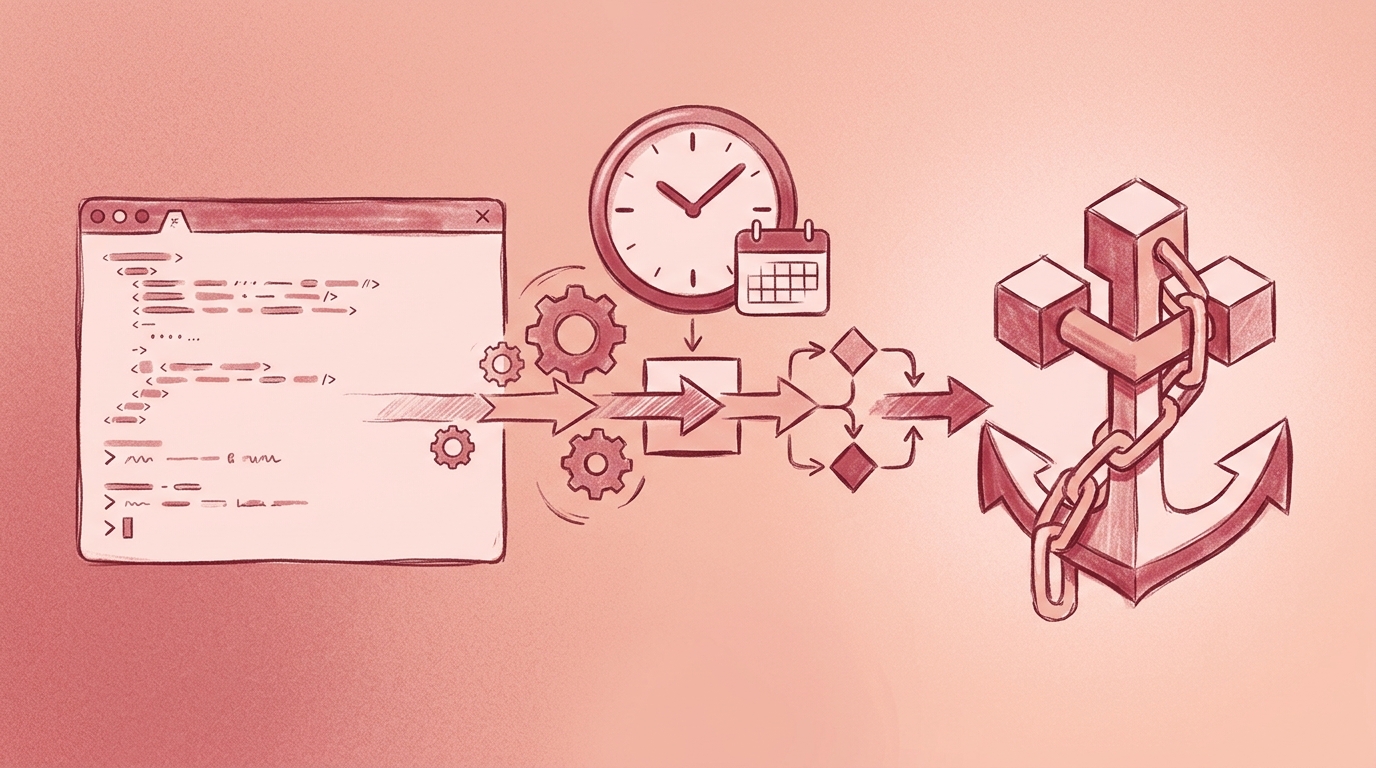
When you push a commit to a monitored repository, the GitHub App detects the new commit via a webhook. The app does not read your source files. It extracts only the commit hash — a cryptographically secure fingerprint of the repository state at that moment.
That commit hash is placed into a queue for the next nightly batch.
The nightly anchoring run
Each night, a worker process runs the following pipeline:
- All queued commit hashes for each monitored repository are collected.
- Manifest files are created for the day.
- A Merkle tree is built from the collected hashes.
- The Merkle root is anchored into the Bitcoin blockchain using the OpenTimestamps protocol.
- Proof receipts are generated and pushed back to a dedicated timestamps branch or shadow repository.
The Bitcoin confirmation itself usually takes a few hours. That means the proof files typically appear in your repository a few hours after the nightly run, not immediately after commit.
Proof delivery
The deliverable is an .ots receipt file plus the daily manifest. These files are written to a dedicated branch or a shadow repository, keeping them separate from your normal source history.
You can check the result with ordinary Git commands:
# After nightly anchoring has completed
git fetch origin

# Look for the dedicated timestamps branch or shadow repository
git branch -r

# Check out the branch that contains .ots receipts
git checkout <timestamps-branch>

# List the daily proof files
ls -1 *.ots
The exact branch name depends on your repository configuration.
Enterprise ZK mode
For teams that cannot grant any source-code access to a third party, Enterprise ZK mode changes the data flow.
Instead of the GitHub App reading source repository metadata, a small GitHub Action runs inside your infrastructure. The action pushes only the commit hash to the Timestamp GIT API. Timestamp GIT never receives code, never reads the source repository, and never sees anything except the hash.
The nightly anchoring pipeline is the same from that point forward: hash queue, manifest, Merkle tree, OpenTimestamps proof, Bitcoin anchor, and proof delivery back to your target repository.
Monitoring and Failure Handling
Automation does not mean blind trust. You should be able to see that the system is working, and you should have a clear path when something looks wrong.
Repository status dashboard
Each monitored repository has a status page that shows:
- Proof longevity, including the earliest anchor date.
- Daily anchoring regularity.
- Bitcoin block and transaction data tied to each timestamp.
- A calendar heatmap of anchored days.
- Downloadable audit CSV and PDF certificate reports.
You can also query status through the public API:
curl -s https://timestampgit.dev/api/statusLast/$GITHUB_USER/$GITHUB_REPO | jq .
Private repositories append an encrypted HMAC to status URLs. Only authorized users can view private repository timestamps, and the HMAC is specific to the server instance.
README badges
Timestamp GIT provides embeddable badges for your README. The badge shows the current verification state, and anyone clicking through can verify the timestamp from the linked page. This is useful for open source projects and for agencies that want to show proof of work publicly without exposing private code.
Audit and compliance exports
For compliance or legal review, you can download:
- A full audit ledger as CSV.
- A PDF certificate for a specific date.
These files give you an off-chain record that complements the cryptographic receipts in your repository.
What if a commit is missed?
If a commit is not processed in the expected nightly batch, the queued hash remains in the timestamping queue and is picked up in the next run. The repository status dashboard is the first place to check for gaps or irregularity. If a repository consistently shows missing days, contact support before relying on the affected range for a legal claim.
Self-hosted Docker option
For air-gapped environments or maximum operational control, Timestamp GIT is available as a Docker image. A self-hosted instance uses the same GitHub App workflow but runs on infrastructure you own.
A minimal Docker Compose setup looks like this:
services:
  timestampgit:
    image: rue1401/timestampgit:prod
    ports:
      - "8080:8080"
    volumes:
      - ./data:/app/data
    restart: unless-stopped
  valkey:
    image: valkey/valkey:8
    restart: unless-stopped
Bring it up with:
docker compose pull
docker compose up -d
docker compose logs -f timestampgit
The application is available at http://localhost:8080 after startup. On first launch, a setup wizard guides you through connecting your GitHub App and configuring the instance. A time-limited demo license is available for evaluation.
Best Practices for Automated Timestamping
Automation removes the repetitive work, but a few habits make your timestamp history much stronger.
Commit frequently. The pipeline anchors daily batches. If you only commit once a month, you create fewer proof points and larger gaps between anchors. Regular commits create a dense, continuous prior-art record.
Use meaningful commit messages. Commit hashes are what gets timestamped, but the human-facing audit trail still matters. A message like Implement cache warming for API responses is much more useful in a dispute than fix stuff.
Keep .ots receipts separate from source code. Treat the timestamps branch or shadow repository as an append-only evidence store. Avoid editing, squashing, or deleting it.
Verify a sample regularly. At least once a quarter, open the public verification page for a representative timestamp and confirm the Merkle proof resolves correctly. This catches configuration drift before you need the evidence.
Use Enterprise ZK mode for sensitive projects. If the repository contains trade secrets, internal tooling, or unreleased product logic, Enterprise ZK mode is the strongest default. Timestamp GIT only ever sees commit hashes, and your code never leaves your environment.
Consider Docker self-hosting for regulated environments. If you need air-gapped operation or full control over the GitHub App connection, self-host with the Docker image.
FAQ
How does automatic timestamping work with a GitHub App?
Once you install the Timestamp GIT GitHub App and select repositories, the app automatically detects new commits via webhooks. Every night, it batches all commit hashes, creates a Merkle tree, and anchors the root into the Bitcoin blockchain using OpenTimestamps. Proof receipts (.ots files) are then pushed back to a dedicated branch in your repository — no manual steps required.
Is my source code ever exposed to Timestamp GIT?
No. Timestamp GIT only processes Git commit hashes, not the actual source code. In Standard Mode, the GitHub App requires read access to the repository to fetch the commit hash, but it never reads file contents. In Enterprise ZK Mode, a GitHub Action runs on your infrastructure and pushes only the commit hash to the API, so Timestamp GIT has zero access to your code.
What happens if Timestamp GIT goes out of business?
Your timestamps remain valid forever. The proofs are anchored in the Bitcoin blockchain and are based solely on SHA-256 and Bitcoin block data. You can verify them independently using standard OpenTimestamps tools, even if Timestamp GIT ceases to exist. The .ots receipt files are stored in your repository, so you always have them.
Can I use Timestamp GIT with private repositories?
Yes. The Pro and Enterprise plans support private repositories. For private repos, status badges and verification links include an encrypted HMAC so only authorized users can view the timestamp status. Enterprise ZK Mode is recommended for maximum privacy, as it requires no read access to the source repository.
Set It and Forget It
Manual timestamping fails because it depends on someone remembering to do it. The value of cryptographic prior art comes from consistency over months and years, not from a single heroic effort.
Timestamp GIT turns that consistency into infrastructure. Install the GitHub App once, connect your repositories, and the nightly worker handles fingerprinting, batching, Bitcoin anchoring, and proof delivery. You get immutable proof of prior art without an ongoing operational burden.
The free tier covers public repositories. Pro adds private repositories at $49/month, and Enterprise ZK mode costs $199/month with the GitHub Action workflow. For air-gapped or regulated environments, the Docker self-hosted license is also available.
Start building your cryptographic prior art portfolio today: install the Timestamp GIT GitHub App and connect your first repository.
Related posts
- What Is Cryptographic Prior Art and Why Does It Matter for Software?
- How to Prove Code Existed at a Specific Time (Without Revealing It)
- What Is Cryptographic Proof of Authorship for Code?
