How to Prove Software Authorship: A Guide for Developers
Maya is a freelance developer who built a small but critical data-sync library for a client in early 2025. Eighteen months later, the client’s new engineering team claims the library was created under a later contract and asks her to stop using it in her other projects. Maya has Git commits from the original project, but when she sends screenshots of the log, the client’s lawyer waves them off: “Git history can be rewritten. These timestamps don’t prove anything.”
Maya’s problem is not that she lacks evidence. It’s that the evidence she has is assertive, not verifiable. Proving software authorship in a dispute, a patent filing, a compliance audit, or a trade-secret review requires more than a commit date. It requires a cryptographic record that an independent party can check without trusting your repository, your platform, or your word.
This guide explains how developers and compliance officers can create that record in practice. It focuses on Timestamp GIT, a managed service that automates the underlying OpenTimestamps protocol. You install a GitHub App once, and the service anchors your commit hashes to the Bitcoin blockchain in the background.
Why Traditional Authorship Proof Falls Short
Most developers already have several ways to point at a date. The problem is that none of them hold up under real scrutiny.
Self-hosted Git history is mutable. Git commit dates are not tamper-evident. With environment variables such as GIT_AUTHOR_DATE and GIT_COMMITTER_DATE, a commit can be backdated. Rebasing, force-pushing, and rewriting history can alter the apparent timeline. Even if you never do that, the opposing side can argue that you could have.
Hosted Git platforms do not fix this. A GitHub repository shows timestamps, but those timestamps are not an independent proof of existence. They depend on GitHub’s servers, GitHub’s account security, and GitHub’s willingness or ability to vouch for the data in court. An attacker who compromises an account can potentially alter repository contents. A platform policy change can make historical records harder to obtain.
Formal IP protection is expensive and slow. Patents can cost tens of thousands of dollars, take years to issue, and may require disclosing information you would rather keep private. For freelancers, startups, agencies, and small teams, patents are often impractical as a first-line defense.
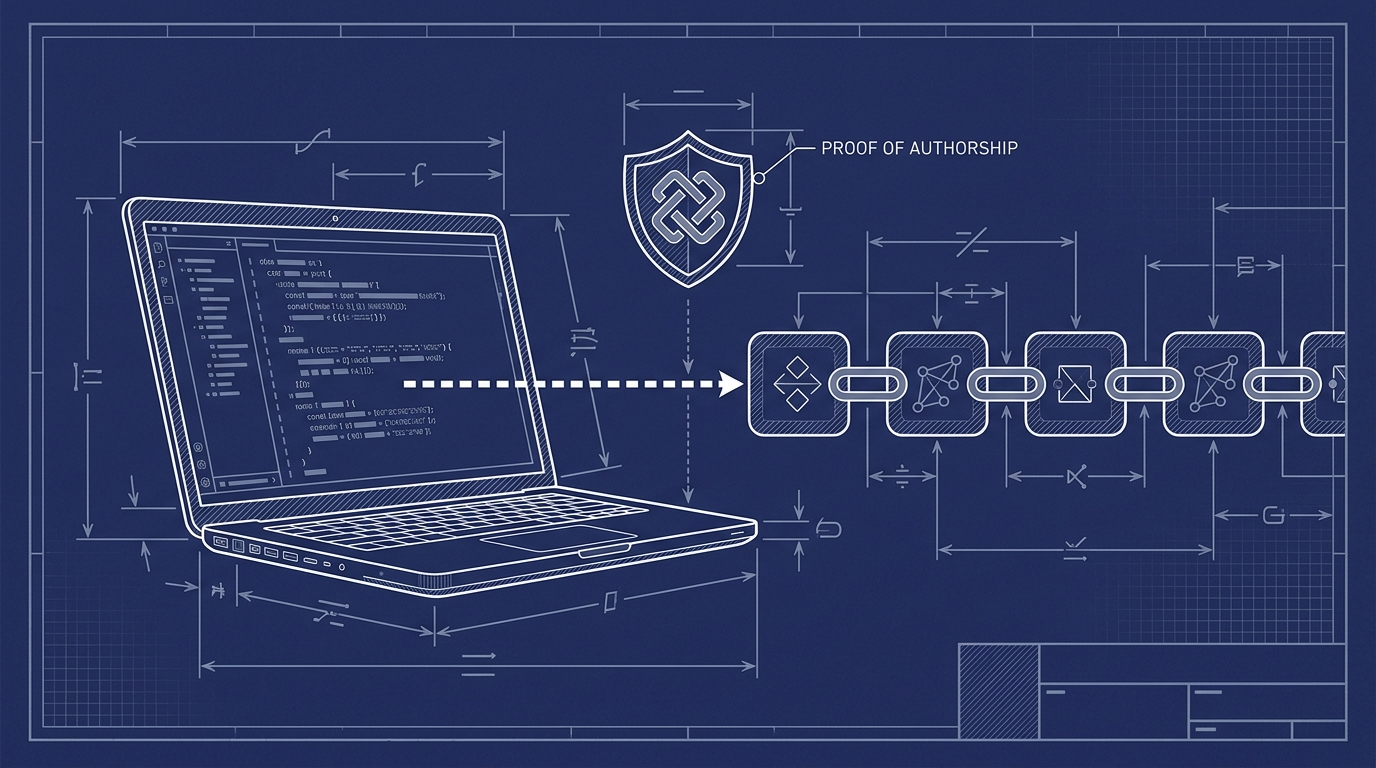
A stronger approach is to anchor a cryptographic fingerprint of your work into an immutable public ledger. The fingerprint is a one-way hash. It proves that a specific repository state existed at a specific time, but it does not reveal the source code behind that state. When the ledger is Bitcoin, the proof can be verified independently by anyone with the receipt file and a Bitcoin node.
For a deeper explanation of why this matters for IP disputes, see What Is Cryptographic Prior Art and Why Does It Matter for Software?.
A Practical Playbook for Proving Authorship with Timestamp GIT
Timestamp GIT is a zero-setup, managed layer over OpenTimestamps. You do not need to run OpenTimestamps commands, manage Bitcoin transactions, or operate your own timestamping infrastructure. You install a GitHub App, connect a repository, and continue writing code. The service handles the rest.
Step 1: Install the Timestamp GIT GitHub App
Install the Timestamp GIT GitHub App on the repository or organization you want to protect.
Standard mode requires read-only access to your source repository and read/write access to a target repository where proof files will be stored. The target can be the same repository or a separate shadow repository. Because GitHub does not offer commit-hash-only read access, the read permission exists even though Timestamp GIT only reads the HEAD commit hash.
For zero-knowledge enterprise mode, you do not grant read access to the source repository at all. Instead, a GitHub Action runs on your infrastructure and pushes only the commit hash to the Timestamp GIT API.
There is nothing to install on your developer machines. Your local Git workflow stays the same.
Step 2: Keep Committing Code as Usual
Once the App is installed, webhooks notify Timestamp GIT whenever a new commit appears. In enterprise zero-knowledge mode, your GitHub Action sends the hash instead.
Your normal workflow looks like this:
git add src/
git commit -m "Implement rate limiter v2"
git push origin main
No extra stamping command is required. The commit itself is the trigger.
Step 3: Let the Nightly Batch Anchor Your Hashes
Timestamp GIT does not anchor every commit individually. It batches work for efficiency while preserving a verifiable path for each commit hash.
Each day, the system:
- Detects new commits through webhooks or the GitHub Action.
- Queues the commit hashes in an in-memory key-value store.
- Groups pending hashes into per-repository manifest files at a scheduled worker.
- Builds a Merkle tree from the daily batch.
- Creates OpenTimestamps proofs using public OTS calendars.
- Anchors the Merkle root into the Bitcoin blockchain.
Bitcoin confirmation normally takes around three hours, so the proof files appear a few hours after the nightly batch.
Step 4: Receive Your Proof Files
After the anchor is confirmed, Timestamp GIT pushes proof material to the dedicated timestamps branch or shadow repository you configured.
The proof includes:
- Manifest files that record which commit hashes were included.
.otsreceipt files that contain the OpenTimestamps proof data.
You can inspect what arrived on the proof branch:
git fetch origin timestamps
git ls-tree -r --name-only origin/timestamps | tail
You can also embed a verification badge in your README through the authenticated badge endpoint. The badge displays the current verified status and links to the public status page for your repository.
Step 5: Verify Anytime — Even Without Timestamp GIT
Verification is available through the product’s public pages. The cryptographic verification page walks through the Merkle chain data locally in your browser, so the service does not see what you are verifying.
You can also download the .ots file and verify it independently using standard OpenTimestamps tools against the Bitcoin blockchain. Because the proof depends only on SHA-256 and Bitcoin block data, verification does not require Timestamp GIT to remain online.
A quick status check can be made through the public API:
curl -s https://timestampgit.dev/api/statusSummary/your-user/your-repo
For a full ledger, you can download an audit CSV. For a specific day, you can download a PDF certificate.
Self-Hosted and Enterprise Deployments
If you need maximum isolation or run in an air-gapped environment, Timestamp GIT is available as a Docker image with a self-hosted license. A minimal Compose stack looks like this:
services:
  timestampgit:
    image: rue1401/timestampgit:prod
    ports:
      - "8080:8080"
    volumes:
      - ./data:/app/data
    restart: unless-stopped
  valkey:
    image: valkey/valkey:8
    restart: unless-stopped
Then start it with:
docker compose pull
docker compose up -d
docker compose logs -f timestampgit
On first launch, a setup wizard guides you through connecting your GitHub App and configuring the instance. A time-limited demo license is available for evaluation.
Enterprise zero-knowledge mode uses a GitHub Action that runs on your own infrastructure. It pushes only the commit hash to the Timestamp GIT API, so your source code never leaves your environment.
What to Avoid When Proving Software Authorship
Don’t rely solely on internal logs or version control timestamps. They are not tamper-evident. A court or auditor can dismiss them as self-serving even if they are accurate.
Don’t reveal your source code in the proof process. A timestamp should prove that code existed, not publish what it does. Use a zero-knowledge method that anchors only a one-way hash. That protects trade secrets and avoids accidental disclosure.
Don’t use proprietary timestamping services that could disappear or alter records. If the proof depends on a closed system, you are back to trusting an intermediary. Open standards like SHA-256, OpenTimestamps, and Bitcoin are verifiable without the vendor.
Don’t wait until a dispute arises. Start timestamping early and often. A continuous chain of anchored commits shows a pattern of ongoing work, not a last-minute attempt to manufacture evidence.
The manual approach to OpenTimestamps would require operating the protocol yourself. Timestamp GIT exists to hide that complexity behind a GitHub App and an automated nightly pipeline.
FAQ
What exactly is cryptographic proof of software authorship?
Cryptographic proof of software authorship is a method of proving that a specific version of your code existed at a certain point in time, without revealing the code itself. It works by creating a unique hash, or fingerprint, of the code and anchoring that hash into an immutable public ledger like the Bitcoin blockchain. Anyone can later verify that the hash existed at that time, providing tamper-proof evidence of authorship.
How does Timestamp GIT prove authorship without seeing my code?
Timestamp GIT uses a zero-knowledge approach. It reads only the commit hash, which is a cryptographic fingerprint, never the actual source code. The hash is included in a Merkle tree and anchored into Bitcoin via the OpenTimestamps protocol. Because the hash is one-way, no one can reverse it to see your code, but the timestamp proves the code existed at that moment.
Can I verify the timestamp myself if Timestamp GIT goes away?
Yes. The proof is based entirely on open standards: SHA-256, Bitcoin, and OpenTimestamps. You receive .ots receipt files that can be verified independently using standard OpenTimestamps tools against the Bitcoin blockchain. No proprietary technology or service is required for verification, so your proof remains valid even if Timestamp GIT ceases to exist.
Is this legally recognized?
Cryptographic timestamps anchored in public blockchains are increasingly recognized as strong evidence in legal proceedings. They provide a tamper-evident, mathematically verifiable record of existence at a specific time. Legal recognition varies by jurisdiction, but such proofs are far more robust than internal logs or email timestamps. They can be presented to courts, auditors, or opposing parties to establish prior art or authorship.
How much does Timestamp GIT cost?
Public repositories are supported on a free plan. Private repositories are available with the Pro Agency plan at $49 per month. Enterprise zero-knowledge mode, which uses GitHub Actions, is available at $199 per month. A time-limited demo license is also available for the Docker self-hosted evaluation.
Conclusion: Make Authorship Proof Part of Your Workflow
Proving software authorship does not have to complicate your development process. Timestamp GIT turns your existing Git commits into Bitcoin-anchored receipts automatically. The workflow is zero-knowledge, meaning your source code stays private. The proof is vendor-independent, meaning it remains verifiable even if the service disappears.
Install the Timestamp GIT GitHub App, connect a repository, and let the nightly anchoring run in the background. Public repositories can start for free, while private repos are covered by the Pro and Enterprise plans. Once the first Bitcoin confirmation lands, you will have a cryptographic answer to the question: “Can you prove you wrote this first?”
Related posts
- How to Verify a Git Commit Timestamp
- Automatically Timestamp Git Commits with a GitHub App
- What Is Cryptographic Prior Art and Why Does It Matter for Software?
