How to Verify a Git Commit Timestamp
A Git commit timestamp is surprisingly easy to fake. You can set GIT_AUTHOR_DATE, GIT_COMMITTER_DATE, rebase a branch, or simply edit commit metadata before pushing. In a legal dispute or compliance audit, an ordinary Git log often proves very little.
That is why verification matters more than anchoring itself. Anchoring puts a commit hash into the Bitcoin blockchain. Verification is the step that lets you, an auditor, or a court confirm that a specific commit hash really was included in a specific Bitcoin block at a specific time. This article focuses on that verification workflow using Timestamp GIT, a managed GitHub App that automates the entire process and gives you browser-based tools, badges, and a public API.
Why Verification Matters for Git Commit Timestamps
A standard Git history lives on servers you do not fully control. Repository hosting platforms, admin panels, and local repositories can be modified. Even when no one acts maliciously, timestamps can be moved accidentally during merges, squashes, or data migrations.
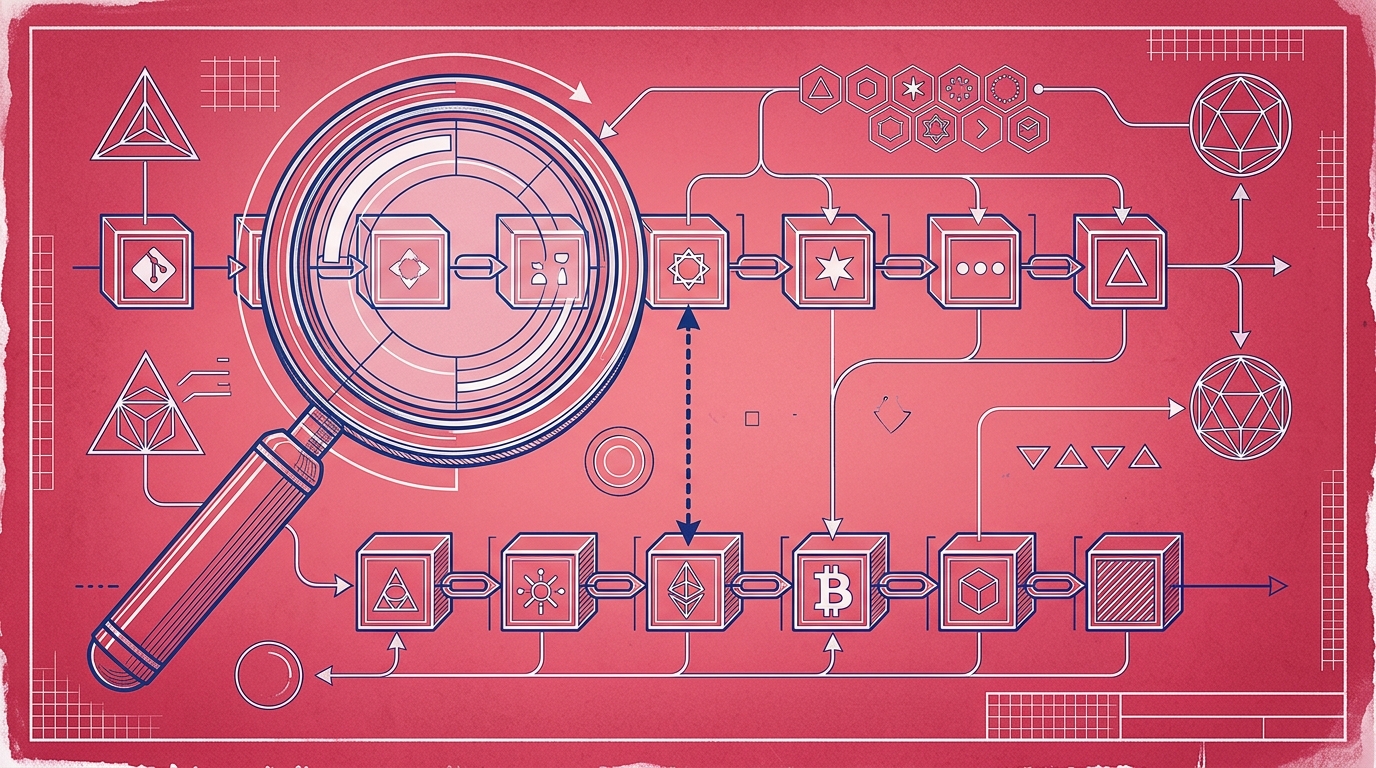
Cryptographic anchoring changes the game. When Timestamp GIT processes a repository, it does not rely on the Git commit timestamp. It takes the commit hash — a cryptographically secure fingerprint of the exact repository state — and includes that hash in a daily manifest. The manifest hash is committed into a Merkle tree, and the Merkle root is anchored into a Bitcoin block using the OpenTimestamps protocol.
Verification then answers three questions:
- Is this commit hash present in the daily manifest?
- Does the Merkle proof connect that manifest hash to the anchored Merkle root?
- Is that Merkle root included in a confirmed Bitcoin block?
If all three checks pass, you have mathematical evidence that the commit existed by that date. If a deeper background on why this matters for software IP is useful, see What Is Cryptographic Prior Art and Why Does It Matter for Software?.
Timestamp GIT hides the raw OpenTimestamps workflow. You do not need to install a CLI, run manual stamping commands, or craft Bitcoin transactions. The GitHub App detects commits, batches them nightly, and writes standardized proof files back to your repository.
What a Timestamp GIT Proof Looks Like
A Timestamp GIT proof is not a single file. It is a small collection of artifacts that together allow independent verification.
The core components are:
- Commit hash: the SHA-1 or SHA-256 hash that identifies one specific commit.
- Daily manifest file: a plain-text file containing all pending commit hashes for a repository on that date.
- Merkle tree: a native Merkle tree built from the daily manifest hashes across repositories.
- OpenTimestamps receipt: an
.otsfile that cryptographically links the manifest hash to a Bitcoin block. - Bitcoin block information: block height, transaction data, and confirmation status for the anchor.
The proof is written to a dedicated timestamps branch or a shadow repository, depending on your configuration. A typical proof directory for a given day might look like this:
timestamps/
  2026-09-20/
    manifest.txt
    receipt.ots
The .ots receipt is self-contained in the sense that anyone can verify it later using only SHA-256 math and Bitcoin block data. There is no proprietary technology and no lock-in. If Timestamp GIT disappeared tomorrow, the proof files would still exist and remain verifiable against the Bitcoin blockchain.
Because only the commit hash is anchored, the proof does not contain your source code. The verification flow operates on the hash, not on the repository contents.
Step-by-Step Verification Using Timestamp GIT’s Tools
Timestamp GIT provides several verification paths. You can use the visual dashboard for quick checks, download reports for compliance, or query the API for automation.
Step 1: Open the repository status page
Every connected repository has a public or authenticated status page at:
https://timestampgit.dev/status/{user}/{repo}
This page shows the earliest anchor date, proof longevity, daily regularity, Bitcoin block and transaction data, and a calendar heatmap. From the same page you can download an audit CSV or a PDF certificate.
For a quick status check, this is usually the fastest place to start. If the repository is private, the URL includes an encrypted HMAC so only authorized viewers can access it.
Step 2: Use the verification badge in your README
After connecting a repository, Timestamp GIT can generate an embeddable verification badge. The badge shows the latest verification status directly in the README, and clicking it leads to the verification page or status dashboard.
The badge markup is generated for you on the repository connected page or through the badge API. You should not hand-write the shield URL; instead, copy the Markdown snippet generated by Timestamp GIT. This avoids mistakes with the HMAC-signed private repository URLs.
Step 3: Inspect the Merkle chain in the browser
For a specific date, open:
https://timestampgit.dev/verification/{user}/{repo}/{date}
This page walks through the multi-level Merkle chain verification. It shows the commit hash, the daily manifest hash, the intermediate Merkle nodes, and the Bitcoin block anchor.
All computation happens locally in the browser. Timestamp GIT does not see which hash you are verifying, and you do not send source code anywhere. The page confirms whether the commit hash belongs to the manifest and whether the manifest connects to the anchored root.
Step 4: Download the PDF certificate or audit CSV
For compliance records, legal audits, or internal documentation, Timestamp GIT provides two downloadable artifacts:
- PDF certificate: a single-day certificate showing the anchored date and verification status.
- Audit CSV: a complete ledger of all anchored commits and dates for the repository.
These are useful when you need to attach evidence to a filing, send proof to a client, or store an offline record.
Step 5: Verify programmatically with the public API
Timestamps GIT exposes public API endpoints for automation. For public repositories, you can query status information directly with curl.
Check the last anchored Bitcoin block:
curl https://timestampgit.dev/api/statusLast/your-org/your-repo
Check the total number of committed and stamped commits:
curl https://timestampgit.dev/api/statusCount/your-org/your-repo
Get a combined status summary, which is also used for Shields.io badges:
curl https://timestampgit.dev/api/statusSummary/your-org/your-repo
Fetch the full Merkle chain data for a specific date:
curl https://timestampgit.dev/api/verify/your-org/your-repo/2026-09-20
For private repositories, the endpoints require an encrypted HMAC in the URL. The HMAC is generated per server instance and only authorized users can access the status of those repositories.
Interpreting Verification Results and Edge Cases
A successful verification means the following chain is intact:
- The commit hash is present in the manifest.
- The manifest hash is correctly included in the Merkle tree.
- The Merkle root is anchored in a Bitcoin block via OpenTimestamps.
- That Bitcoin block is confirmed in the blockchain.
Once those conditions hold, the commit timestamp is backed by Bitcoin’s immutability.
There are a few timing and access edge cases to understand.
Daily batch cutoff. Commits are collected and anchored nightly. A commit made after the cutoff for a given day appears in the next day’s anchor. If you do not see a commit on the day you expected, check the following day’s verification page.
Bitcoin confirmation delay. Anchoring happens once per day, but confirming the anchor in Bitcoin normally takes around 3 hours. Proof files are written back after confirmation, so verification is available a few hours after the nightly batch.
Private repositories. Status and verification URLs for private repositories use HMAC-signed paths. If a colleague cannot open the status page, they likely need access to the encrypted link or the repository through the GitHub App.
Zero-knowledge verification. Verification never reveals source code. It proves that a hash existed at that time, not what the code contained. This is intentional: the proof is about existence, not disclosure.
What if verification fails? A failed verification could mean the commit was not included in the daily batch, the proof file is incomplete, or the data has been tampered with. Start by checking the repository status page for the correct date. If the anchor is missing or corrupted, contact Timestamp GIT support.
FAQ
How do I verify a Git commit timestamp with Timestamp GIT?
You can verify a commit timestamp by visiting the repository status page on Timestamp GIT, clicking the verification badge in your README, or using the public API endpoints. The verification page shows the Merkle chain and allows local verification in your browser.
Can I verify a commit timestamp without revealing my source code?
Yes. Timestamp GIT only uses the commit hash, not the source code. Verification is performed against the hash and the Bitcoin blockchain, so your code remains private.
How long does it take for a commit timestamp to be verifiable?
Timestamps are anchored nightly, and Bitcoin confirmation typically takes around 3 hours. After that, the proof is available and verifiable.
What if the verification fails?
If verification fails, it may indicate that the commit was not included in the daily batch or that the proof is corrupted. Check the repository status page for details, or contact Timestamp GIT support.
Conclusion: Trust but Verify Your Git History
A commit hash anchored in Bitcoin is only useful if you can verify it later. Git timestamps alone are weak evidence. Cryptographic proofs are strong — but only when the verification path is clear, repeatable, and independent.
Timestamp GIT turns that verification path into a practical workflow. Install the GitHub App once, connect a repository, and every commit is anchored automatically each night. When you need proof, you can open the status dashboard, click a badge, inspect the Merkle chain in the browser, download a PDF certificate, or call an API endpoint.
For developers, startups, agencies, and compliance teams, that removes the manual work without sacrificing the mathematical guarantees of Bitcoin anchoring. If your next step is to secure your own commit history, install the GitHub App or check the pricing page.
Related posts
- Automatically Timestamp Git Commits with a GitHub App
- What Is Cryptographic Prior Art and Why Does It Matter for Software?
- How to Prove Code Existed at a Specific Time (Without Revealing It)
