OpenTimestamps Alternatives: Managed Git Timestamping
You have already accepted the premise: you want your Git commits anchored in Bitcoin, so that a specific state of your repository provably existed on a specific date. That part is not up for debate.
The real buying decision is who runs the pipeline.
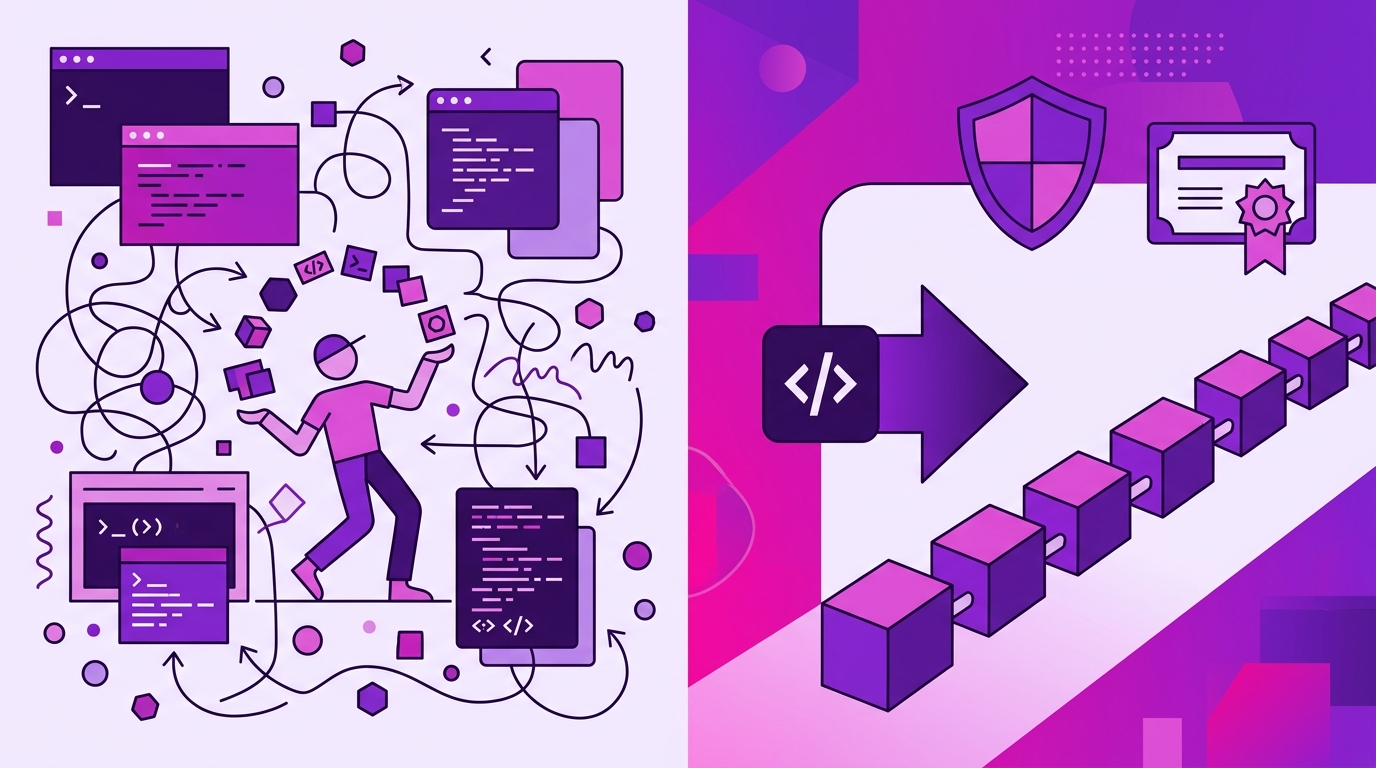
The OpenTimestamps protocol is the standard most of these systems are built on, and it is genuinely good — open, vendor-neutral, verifiable against Bitcoin itself. But a protocol is a toolkit, not a product. Somewhere between “protocol exists” and “my commits are stamped every night, and my compliance lead can download a PDF certificate,” a lot of work has to happen. This article compares the realistic options for Git timestamping in 2026, so you can decide where that work should live: on your team’s plate, or behind a GitHub App you install once.
The Buying Decision: Why Look Beyond Raw OpenTimestamps?
OpenTimestamps solves the hard cryptographic problem: it turns a hash into a proof of existence anchored in the Bitcoin blockchain, using public calendar servers so you don’t pay a transaction fee per timestamp.
What it does not solve:
- Commit detection. The protocol has no idea what Git is. Someone has to decide which commits get stamped.
- Batching economics. Stamping one proof per commit is wasteful. Real setups batch hashes daily into a Merkle tree and anchor only the root.
- Key and proof storage.
.otsreceipts are small but they must live somewhere durable, somewhere a lawyer can find them in three years. - Verification UX. “Download a file and check it against Bitcoin” is not a workflow most compliance teams will adopt.
- Ongoing operation. Calendar server quirks, upgrade paths, and the question of who is on call when the nightly job silently stops producing proofs.
That is the hidden cost of DIY: not the cryptography, but the plumbing around it. The choice is whether to keep operating a protocol or adopt a service that automates it end to end. Timestamp GIT is the managed option in this comparison — it hides the protocol behind a GitHub App and a nightly job, so no developer ever touches a timestamping command.
One sentence of honesty before the comparison: yes, you can achieve all of this by hand with the open protocol and a cron job. This article compares that path against the alternatives; it does not walk you through building it.
The Landscape: What Options Exist for Git Timestamping?
There are four shapes of solution you will encounter.
1. The raw OpenTimestamps approach. You install the client tooling, script your own commit collection, manage calendar interaction, store proofs yourself, and verify manually against Bitcoin. Maximum control, maximum surface area. It is not Git-native, and it does not ship with a dashboard, a badge, or an audit report.
2. Blockchain timestamping platforms with APIs. These give you an HTTP endpoint that accepts a hash and returns a receipt. Better than raw tooling, but they are generic — they timestamp anything, so Git integration is your problem. You still build the commit-watching logic, the batching, and the storage layer.
3. Managed Git timestamping services. This is the category Timestamp GIT occupies: install a GitHub App, select repositories, and every commit is collected automatically. Each night a worker batches the day’s commit hashes, builds a Merkle tree, and anchors the root into Bitcoin through public OpenTimestamps calendars. Proofs land back in your own repository.
4. Self-hosted, licensed deployments. Managed convenience does not have to mean someone else’s servers. Timestamp GIT ships as a Docker image you can run yourself — the relevant option for air-gapped environments and strict security policies.
Selection Criteria: What Developers and Compliance Teams Should Evaluate
When you compare options, the protocol underneath matters less than the operating model above it. Six criteria carry most of the decision:
- Setup effort. One-click GitHub App installation versus installing tooling, writing scripts, and wiring a scheduler.
- Automation level. Does the system notice new commits on its own, or does a human have to remember?
- Security and privacy. Can the service do its job without reading your source code? Is there a mode where your code never leaves your infrastructure?
- Integration surface. Git hosting integration, README badges, REST endpoints, CSV audit ledgers, PDF certificates.
- Cost model. Free tier for public repositories, transparent per-tier pricing for private ones, and a self-hosted license when you need sovereignty.
- Verifiability and lock-in. Can a third party verify your proof using standard tools and Bitcoin block data, without your vendor being involved?
That last criterion is the one teams underrate. A timestamp you cannot independently verify is just a database row with good marketing.
Side-by-Side: Raw Protocol vs. Managed Services
| Dimension | Raw OpenTimestamps tooling | Generic blockchain timestamping API | Timestamp GIT (managed) |
|---|---|---|---|
| Setup | Install tooling, script commit collection, run a scheduler | Integrate an API, build commit watching and storage yourself | Install the GitHub App once; select repositories |
| Automation | Manual, per batch | Custom code you maintain | Automatic nightly batching and Bitcoin anchoring |
| Source code exposure | None by design, but you own the entire pipeline | Depends on what you send | Standard Mode reads only the HEAD commit hash; Enterprise ZK Mode pushes only the hash from your own infrastructure |
| Proof delivery | You store .ots files wherever you decide |
You store and serve receipts | Manifest and .ots receipts pushed to a dedicated timestamps branch or shadow repo |
| Verification | Manual, tool-by-tool | Custom verification UI or none | Public badges, web viewer, downloadable PDF certificate, browser-local Merkle chain verification |
| Audit artifacts | None built in | Varies | Daily manifests, CSV audit ledger, per-date PDF certificate |
| Cost | No license fee, significant engineering time | Vendor-dependent, plus integration time | Open Source free (public repos), Pro Agency $49/mo (private repos), Enterprise ZK $199/mo |
| Vendor independence | Total | Usually proprietary | Total — proofs rest on SHA-256 and Bitcoin block data |
Note the pattern in the middle column: an API removes the cryptography work but leaves the Git work. That is often where DIY projects stall — not because anchoring is hard, but because commit collection, batching, and delivery are boring enough to be perpetually deprioritized.
Verdict: Who Should Pick Which Option?
Solo developers and open-source maintainers. If you enjoy the plumbing and your repositories are public anyway, the raw protocol is defensible. But the free tier of Timestamp GIT covers public repositories, so the honest question is whether your time is better spent on your project than on maintaining a proof pipeline. If nothing else, it removes the “I’ll automate this properly next month” failure mode.
Startups and agencies. Take the managed route. Prior art arguments do not care that you could have stamped those commits — they care that you did, consistently, for the months before the dispute. Consistency is a product feature, and nightly automation delivers it far better than good intentions. If you are proving delivery dates during a payment dispute, see Protecting Agency Code Deliverables With Blockchain Proof.
Enterprises with strict security policies. Standard Mode plus the Enterprise ZK path, or the Docker self-hosted license, gives you the control you need without rebuilding the protocol yourself. Enterprise ZK mode is the one to reach for when the source repository must not be readable by the service — a GitHub Action pushes the commit hash from your own infrastructure. If your concern is patent exposure rather than repository permissions, Git Commit Timestamp Proof for Patent Disputes covers that scenario.
The short version: Timestamp GIT is not merely an alternative to running the protocol — it is the version of the protocol you do not have to operate.
How Timestamp GIT Works as a Managed Alternative
Here is the entire developer-facing workflow.
1. Install the GitHub App once. Nothing to install on developer machines. The app reads only the HEAD commit hash of monitored repositories; your source code is never read, copied, or stored. In Standard Mode the app requires at least read-only access to the source repository (there is no “hash only” permission in GitHub’s model) and read-write access to the target repository, where proofs are written.
2. Commits are collected automatically. Either the GitHub App detects new commits via webhooks, or — in Enterprise ZK Mode — a 12-line GitHub Action pushes only the commit hash to the Timestamp GIT API. In ZK Mode, no read access to the source repository is required, but you do install the Action. Pending hashes sit in an in-memory key-value store, waiting for the batch.
3. A midnight cron worker anchors the batch. Each night, the worker groups all pending hashes, builds manifest .txt files per repository, constructs a Merkle tree, creates OpenTimestamps proofs using public OTS calendars, and anchors the Merkle root into the Bitcoin blockchain. Bitcoin confirmation normally takes around three hours, so proofs appear a few hours after the batch runs.
4. Proofs are delivered into your repository. The manifest and .ots receipt files are pushed back into a dedicated timestamps branch or a shadow repository. From that point the timestamp is immutable — no entity, including Timestamp GIT, can alter or forge it.
5. You verify and publish. Embeddable README badges show verification status and link to the public verification page. The repository status dashboard exposes proof longevity, earliest anchor date, daily regularity, Bitcoin block and transaction data, a calendar heatmap, and downloadable CSV audit ledgers and PDF certificates. Verification itself runs locally in the browser against the Merkle chain — no computation on our side, nobody sees what you verify. If you want the mechanics in detail, read How to Verify a Git Repository’s Bitcoin Timestamp.
For automation beyond the dashboard, there are public endpoints:
curl https://timestampgit.dev/api/statusSummary/your-org/your-repo
curl https://timestampgit.dev/api/statusLast/your-org/your-repo
curl -O https://timestampgit.dev/api/audit/your-org/your-repo
Private repositories append an encrypted HMAC to their URLs, specific to the server instance, so only authorized users can read their status.
The Self-Hosted Option
For maximum security and air-gapped environments, Timestamp GIT is available as a Docker image. A quick-start Docker Compose setup looks like this:
services:
  timestampgit:
    image: rue1401/timestampgit:prod
    ports:
      - "8080:8080"
    volumes:
      - ./data:/app/data
    restart: unless-stopped
  valkey:
    image: valkey/valkey:8
    restart: unless-stopped
docker compose pull
docker compose up -d
docker compose logs -f timestampgit
The application is available at http://localhost:8080. On first launch a setup wizard walks you through connecting your GitHub App and configuring the instance. A time-limited demo license is available by submitting the request form on the Docker License page with your name, company, email, and optional phone number; the license file can then be downloaded.
FAQ
Do I need to run any OpenTimestamps commands?
No. Timestamp GIT is a managed service. Once you install the GitHub App, it automatically detects commits and anchors them into Bitcoin each night. You never need to run CLI tools or manage the protocol yourself.
Can I verify proofs without Timestamp GIT?
Yes. The .ots receipt files and Merkle proofs are based on open standards. You can verify them independently using standard OpenTimestamps verification tools against the Bitcoin blockchain, or use Timestamp GIT’s local browser-based verification that performs all computation client-side.
What happens if Timestamp GIT goes out of business?
Your proofs are anchored in the Bitcoin blockchain and are vendor-independent. The .ots files and Merkle proofs can be verified offline using open-source tools. Timestamp GIT does not lock you in; the cryptographic proof relies solely on SHA-256 and Bitcoin block data.
Is my source code ever exposed?
No. Timestamp GIT operates on a zero-knowledge principle. In Standard Mode, the GitHub App reads only the commit hash, not the source code. In Enterprise ZK Mode, a GitHub Action pushes only the commit hash from your infrastructure, so your source never leaves your environment.
Conclusion
Every option in this comparison ends in the same place: a SHA-256 hash inside a Bitcoin block. What differs is how much engineering, operational discipline, and institutional memory you have to supply to get there — and whether the result is something a compliance team can actually hand to a lawyer.
If you want the cryptographic guarantees without becoming the maintainer of a timestamping pipeline, install the GitHub App once and let the nightly worker do the rest. Start on the free tier with a public repository to see the proofs land, then move private repositories onto Pro Agency when you are ready. Your commits already have hashes; they may as well have witnesses.
Related posts
- Protecting Agency Code Deliverables With Blockchain Proof
- Git Commit Timestamp Proof for Patent Disputes
- How to Verify a Git Repository’s Bitcoin Timestamp
