OpenTimestamps vs Timestamp GIT: Manual Proofs or GitHub App?
You’ve made the important decision: your Git commits should be anchored into Bitcoin, so that six months or six years from now you can prove a specific line of work existed on a specific date. Now comes the second, more practical decision — do you drive the OpenTimestamps protocol yourself, or do you let a managed GitHub App do it for you?
That question is not about cryptography. Both paths end in the same place: a Merkle root of your commit hashes embedded in a Bitcoin block via OpenTimestamps. The question is about who operates that pipeline, how much engineering time it costs, and what your compliance team has to sign off on. This article compares the two approaches on the criteria that actually decide the purchase: ease, automation, security model, integration, and cost.
If you’re still building the case for timestamping at all, read Cryptographic Prior Art: The Startup Shield Against Patent Trolls first. This one assumes you’re already convinced and are choosing a tool.
The Landscape: What Are Your Options for Git Timestamping?
There are essentially three routes.
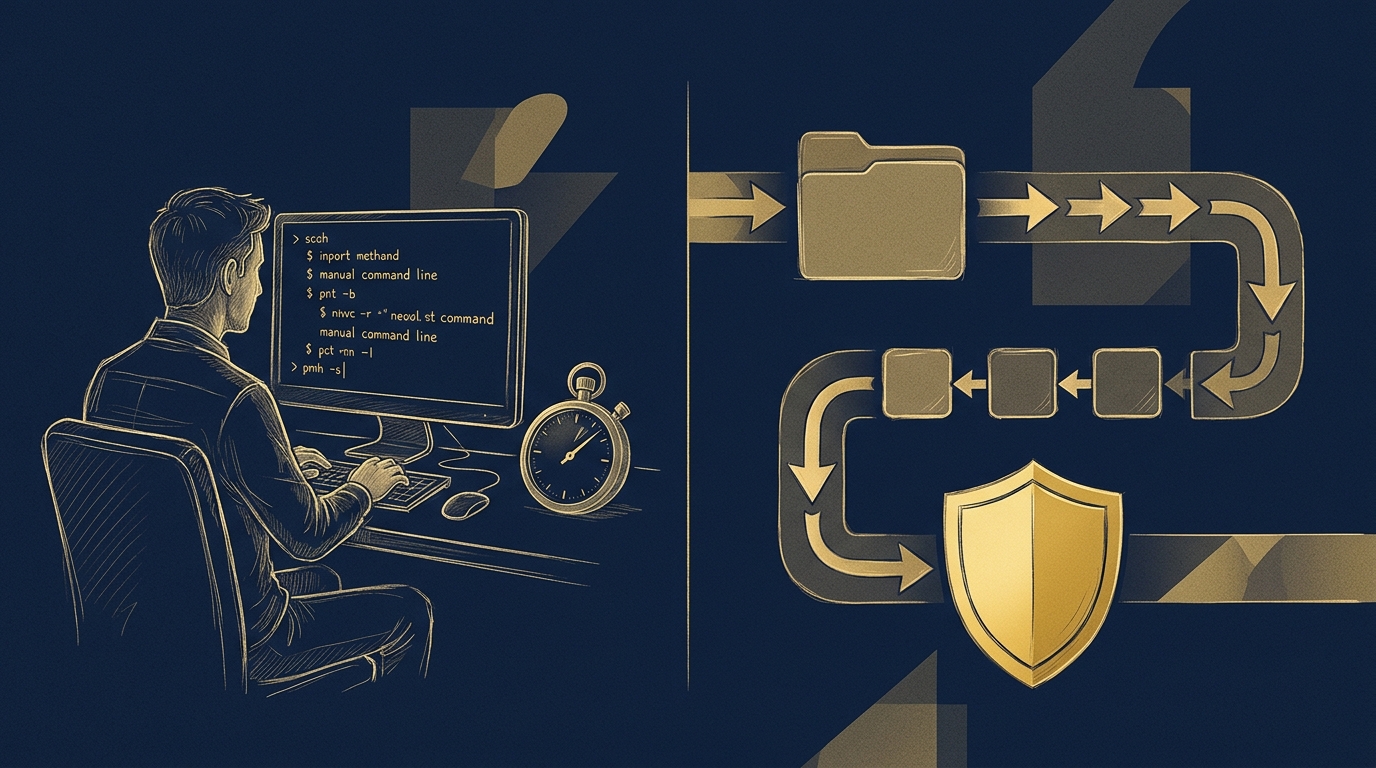
1. The raw protocol. OpenTimestamps is an open protocol with reference CLI tooling. You install it, you submit hashes to public calendar servers, you keep track of proof files, and eventually you upgrade those proofs once the anchoring transaction confirms in a Bitcoin block. It is free, it is vendor-independent, and it is genuinely the substrate everything else sits on. It also puts the entire operational burden — scheduling, batching, storage, proof lifecycle, monitoring confirmations — on you.
2. A managed service on top of the protocol. Timestamp GIT is a SaaS plus GitHub App that automates the whole OpenTimestamps workflow. You install the GitHub App on a repository, and from then on every commit is picked up automatically and anchored nightly. No CLI on developer machines, no manual stamping, no proof files to track. The evidence lands back in your own repository as a manifest plus .ots receipts, and the dashboard gives you badges, PDF certificates, and an audit CSV.
3. Homegrown scripts and generic timestamping services. Teams sometimes glue a cron job to a calendar server, or buy a generic document-timestamping service that has no GitHub integration. These can work, but they usually mean either a bespoke codebase someone has to maintain or a manual upload step per release — which is exactly the friction that causes timestamping to quietly stop happening after three months.
For air-gapped or strict data-residency environments, Timestamp GIT also ships as a Docker image you host yourself. That’s covered in depth in Self-Host Git Timestamping With Docker Compose; the comparison here is manual protocol work versus a managed, automated pipeline.
Selection Criteria: How to Choose the Right Approach
Ease of setup
With the raw protocol, setup is a project: install tooling on every machine that will stamp, document the process, decide on a batching strategy, and train the team. Timestamp GIT’s setup is a GitHub App installation. Standard mode needs read-only access on the source repo (GitHub has no “commit hash only” permission scope) and read-write on the target repo where proofs are written.
There is nothing to install on developer machines. That is the whole point: timestamping that depends on developers remembering to do something is timestamping that will eventually have gaps.
Automation
Manual stamping is per-commit or per-batch work done by a human. Timestamp GIT runs the pipeline itself: webhooks detect commits, hashes queue in an in-memory key-value store, and a midnight cron worker groups everything into a per-repo manifest, builds a Merkle tree, produces the OpenTimestamps proofs, and anchors the Merkle root into Bitcoin.
One operational detail worth planning around: Bitcoin confirmation typically takes around three hours, so proofs land a few hours after the nightly batch — not at 00:01.
Security and privacy
This is where the two models diverge in kind, not degree. Running the protocol yourself gives you full control, but also full exposure: you own key material, calendar availability, proof storage, and the risk of a process that silently breaks. Timestamp GIT’s model is zero-knowledge by design — it never sees, copies, or stores your source code, only commit hashes.
If you don’t want the SaaS to see even a commit hash, Enterprise ZK mode moves the push into your own CI: a 12-line GitHub Action runs on your infrastructure and sends only the hash to the Timestamp GIT API. In that mode the service requires read-write access to the target repo only, and your source never leaves your environment.
Integration and verification
Raw proofs are standalone .ots files — portable, but you have to store them, find them, and explain them to a lawyer. Timestamp GIT writes the manifest and receipts into a dedicated timestamps branch or a shadow repository, and adds the presentation layer:
- Embeddable Shields.io badges for your README, with a public verification link.
- A repository status dashboard showing proof longevity, earliest anchor date, daily regularity, Bitcoin block and transaction data, a calendar heatmap, and downloadable audit CSV and PDF certificate.
- A step-by-step verification page that computes the full Merkle chain locally in the browser — nothing you verify is sent anywhere.
Public status data is queryable without auth:
# Last anchored Bitcoin block for a repo
curl -s https://timestampgit.dev/api/statusLast/acme/payments-core

# Combined summary, suitable for Shields.io
curl -s https://timestampgit.dev/api/statusSummary/acme/payments-core
And the audit artifacts are a single request each:
# Full audit ledger as CSV
curl -sO https://timestampgit.dev/api/audit/acme/payments-core

# PDF certificate for a specific day
curl -sO https://timestampgit.dev/api/report/acme/payments-core/2026-11-13
Private repos append an encrypted, instance-specific HMAC to the URL, so only authorized users can read their status.
Cost
OpenTimestamps itself is free. The real cost is engineering time — the initial build, the ongoing maintenance, and the invisible cost of a pipeline that quietly stops. Timestamp GIT is tiered: Open Source free for public repos, Pro Agency at $49/mo for private repos, and Enterprise ZK at $199/mo for the GitHub Action model. Predictable line item, no maintenance backlog.
Side-by-Side Comparison: OpenTimestamps vs Timestamp GIT
| Criterion | OpenTimestamps (raw protocol) | Timestamp GIT (managed GitHub App) |
|---|---|---|
| Setup effort | Install CLI tooling, define batching, document process for the team | Install the GitHub App, connect the repo, done |
| Automation level | Manual stamping per commit or batch | Webhook detection, nightly cron batching, automatic anchoring |
| Security model | Self-managed: you own keys, storage, calendars, uptime | Zero-knowledge: only commit hashes processed; Enterprise ZK keeps hashes inside your CI |
| Verification method | Manual proof handling with protocol tooling | Browser-based Merkle verification, badges, dashboard, PDF certificates, CSV audit ledger |
| GitHub integration | None native | Native GitHub App; proofs written to a timestamps branch or shadow repo |
| Cost | Free software, paid in engineering hours | Free (public repos), $49/mo Pro Agency, $199/mo Enterprise ZK |
| Support | Community | Product team |
The row that matters most for compliance: Timestamp GIT does not invent a proprietary proof format. It uses the same OpenTimestamps protocol and the same Bitcoin block data, so your .ots receipts stay vendor-independent. If Timestamp GIT disappeared tomorrow, the proofs in your repository would still verify with any OpenTimestamps-compatible tool.
For teams that need the managed experience on their own metal, the Docker self-hosted license is the third option. A quick-start Docker Compose setup looks like this:
services:
  timestampgit:
    image: rue1401/timestampgit:prod
    ports:
      - "8080:8080"
    volumes:
      - ./data:/app/data
    restart: unless-stopped
  valkey:
    image: valkey/valkey:8
    restart: unless-stopped
docker compose pull
docker compose up -d
docker compose logs -f timestampgit
The app comes up at http://localhost:8080, and a first-launch wizard walks you through connecting your GitHub App and configuring the instance. A time-limited demo license is available via the request form on the Docker License page.
Verdict: Who Should Pick Which?
Choose the raw protocol if you have dedicated blockchain or cryptography expertise in-house, you need to control every step of the pipeline, and you’re genuinely comfortable owning the operational risk that comes with it — including the risk that manual stamping stops happening during a crunch.
Choose Timestamp GIT if you want cryptographic prior art without turning it into a side project. Concretely:
- Startups and founders who need prior art secured before a patent filing, and want IP maturity they can show in diligence.
- Agencies and dev shops who need defensible delivery dates during payment disputes, plus professional certificates of authorship.
- Freelancers protecting reusable libraries and portfolio work from being claimed by someone else.
- Compliance teams who need court-ready evidence with an audit trail, without asking developers to learn a protocol.
The free tier for open-source repositories makes this a low-risk experiment: connect one repo, wait a night, and look at what lands in your timestamps branch.
FAQ
Can I verify Timestamp GIT proofs without their service?
Yes. Timestamp GIT produces standard OpenTimestamps .ots receipt files anchored in the Bitcoin blockchain. You can verify them independently using any OpenTimestamps-compatible tool, ensuring vendor independence.
Does Timestamp GIT see my source code?
No. Timestamp GIT operates on a zero-knowledge model: it only processes commit hashes, never your source code. In Enterprise ZK mode, a GitHub Action pushes hashes from your infrastructure, so the service never has read access to your repositories.
Is Timestamp GIT court-admissible?
The proofs are cryptographically verifiable and anchored in the Bitcoin blockchain, which is widely recognized for its immutability. Admissibility depends on jurisdiction and legal context; consult with legal counsel. Timestamp GIT provides PDF certificates and audit trails to support evidentiary needs. For a deeper walkthrough, see Is a Bitcoin Timestamp Admissible as Evidence? A Compliance Guide.
What if I stop using Timestamp GIT?
Your existing proofs remain valid and verifiable forever because they are embedded in the Bitcoin blockchain via OpenTimestamps. You are not locked in; the proofs are vendor-independent.
Conclusion
Both paths anchor your work into Bitcoin. Only one of them stays running when your team is busy shipping. The protocol is the durable part; the operational discipline around it is the fragile part — and that’s exactly the piece Timestamp GIT takes off your hands.
Install the GitHub App, point it at the repository that contains your most valuable logic, and let the nightly cron worker do the rest. Your first proof arrives a few hours after midnight, and from there it’s a permanent, verifiable record you never have to think about again. Start at timestampgit.dev.
Related posts
- Self-Host Git Timestamping With Docker Compose
- Cryptographic Prior Art: The Startup Shield Against Patent Trolls
- Is a Bitcoin Timestamp Admissible as Evidence? A Compliance Guide
- Timestamp GIT Alternatives for Code Timestamping: Compared
