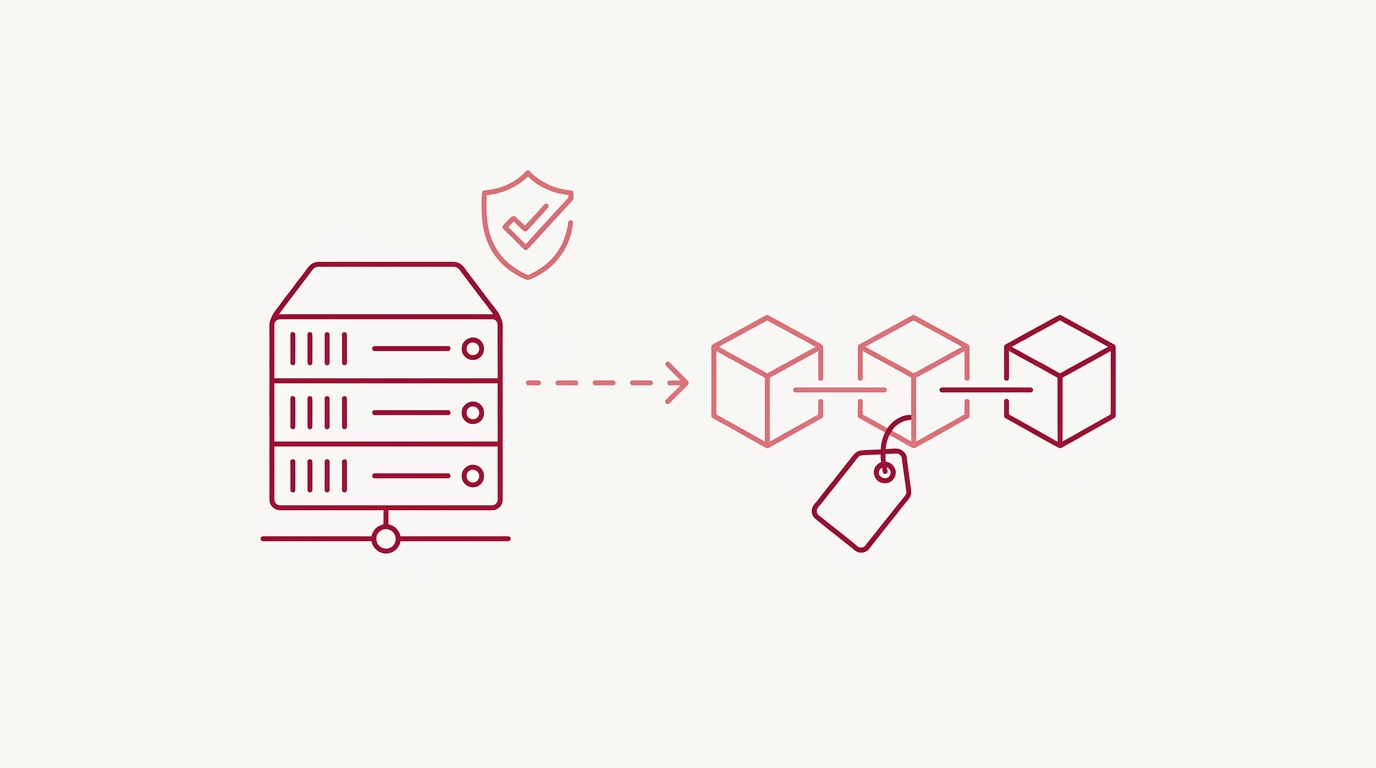
Self-Hosted Git Timestamps: Docker Setup & License Guide
You’ve seen how the GitHub App anchors every commit into Bitcoin overnight. Now comes the procurement question: do you let Timestamp GIT host the pipeline, or do you run the Docker image inside your own network and manage the license yourself?
This guide is written for the buying decision, not the cryptography. If you’re weighing a Timestamp GIT Docker self-hosted license against the managed tiers, here’s what each option actually gets you, what the setup looks like, and where the upgrade path leads.
The Purchase Decision: When Self-Hosting Git Timestamps Makes Sense
Both deployment modes produce the same court-ready .ots receipts anchored in Bitcoin. The decision is operational, not cryptographic — you are choosing where the processing pipeline runs, not what proof it produces.
Self-hosting tends to win in three situations:
- Air-gapped or restricted networks. Your build infrastructure has no route to third-party SaaS, but it can reach a controlled egress for Bitcoin and calendar traffic.
- Regulated industries. Compliance teams want commit hashes — even hashes — to remain inside a defined perimeter with a documented data flow.
- Data-residency requirements. A policy that says “no metadata leaves the region” is easier to satisfy when the service runs in your own rack.
There’s a common misconception here worth clearing up: self-hosting does not mean your team runs the timestamping protocol by hand. You are not installing tooling on developer machines, and you are not scripting anything against the blockchain. The Docker image packages the full managed workflow — commit detection, nightly batching, Merkle tree construction, Bitcoin anchoring — behind a setup wizard. The hard way would be teaching every developer a protocol CLI; the product’s way is one Docker Compose file.
If your team is still deciding whether cryptographic proof is worth buying at all, start with What Is Cryptographic Prior Art? A Guide for Software Teams and come back here for the licensing math.
What You Get at Each Tier: Open Source, Pro Agency, Enterprise ZK, and Docker Self-Hosted
| Tier | Price | What you get |
|---|---|---|
| Open Source | Free | Public repositories, GitHub App installation, automatic nightly anchoring |
| Pro Agency | $49/mo | Private repositories, verification badges, REST API access, audit CSV and PDF certificate downloads |
| Enterprise ZK | $199/mo | A 12-line GitHub Action pushes only the commit hash from your infrastructure |
| Docker Self-Hosted | License required | The same product as a Docker image, with a time-limited demo license for evaluation |
The Open Source tier is the honest evaluation path. Install the GitHub App on a public repo, watch the nightly anchor land, and see whether the workflow fits your team before any money changes hands.
Pro Agency is the tier most agencies and product companies land on: private repositories, the badge and REST API surface, and the downloadable compliance artifacts — the audit ledger CSV and the per-date PDF certificate — that legal and procurement teams ask for.
Enterprise ZK is the middle ground between cloud and self-hosted. A small GitHub Action runs on your runners and pushes only the commit hash to the Timestamp GIT API. The service never has read access to the source repository, so your code stays inside your perimeter while the anchoring pipeline stays managed.
For installation mechanics — OAuth flow, repository selection, permissions — see GitHub App Blockchain Timestamp Setup: Install Once, Timestamp Forever. This article focuses on the self-hosted license and how it compares.
Cost, Benefit, and ROI: Why Cryptographic Proof Is Cheaper Than Litigation
A self-hosted license is a line item you can budget. An IP dispute is not.
Compare the license against the downside: patent troll claims where you implemented the technology months before the filing but have nothing but editable internal logs; employee authorship disputes where the only evidence is a “he-said, she-said” argument about when a feature was conceived; and clean-room defenses from competitors who claim independent development. A timestamp from 18 months ago is a wall those claims hit.
Two properties make the proof durable enough to be worth paying for:
- Vendor independence. The proof relies only on SHA-256 and Bitcoin block data. It stays verifiable offline even if the vendor disappears. That is a genuinely rare thing to be able to tell a risk-averse procurement team.
- Zero-knowledge security. In Docker self-hosted mode the entire pipeline runs on your infrastructure. In Enterprise ZK mode, only the commit hash leaves your environment. Source code is never read, copied, or stored by the service.
There is also a cost line most teams forget to check: per-seat tooling. Timestamp GIT requires nothing installed on developer machines. No CLI to distribute, no IDE plugin to maintain, no workflow disruption to retrain — which means the true cost is the license, not the rollout.
Docker Self-Hosted Setup: Quick Start for Air-Gapped and On-Prem Teams
A quick-start Docker Compose setup looks like this:
services:
  timestampgit:
    image: rue1401/timestampgit:prod
    ports:
      - "8080:8080"
    volumes:
      - ./data:/app/data
    restart: unless-stopped
  valkey:
    image: valkey/valkey:8
    restart: unless-stopped
Two services: the application image and the key-value store used for the hash queue. Then bring it up:
docker compose pull
docker compose up -d
docker compose logs -f timestampgit
Once the container is healthy, the app is available at http://localhost:8080. On first launch, a setup wizard walks you through connecting your GitHub App and configuring the instance — no manual config file editing.
Two details matter for unattended operation:
- The volume mount.
./data:/app/datais where persistent proof storage lives. Back this up with the same rigor as your repository data; it’s what makes your instance reproducible after a host failure. - The restart policy.
restart: unless-stoppedkeeps the nightly cron worker alive across reboots, which is what makes the “set it and forget it” claim actually hold.
To evaluate before committing to a production license, submit the request form on the Docker License page with your name, company, email, and optional phone number. A time-limited demo license file is available for download so you can run a real instance against a real repository first.
Self-Hosted vs. Managed Cloud: Choosing Your Upgrade Path
Managed SaaS path. Install the GitHub App once. Commits are detected via webhooks, batched by the midnight cron worker, and anchored automatically. Manifests and .ots receipt files are pushed back into a dedicated timestamps branch or a shadow repository. Badges, the status dashboard, and the REST API are included.
Enterprise ZK path. Same automation, but the commit-hash push originates from your own GitHub Action. The service requires read-write access to the target repository only — no read access to the source repository.
Docker self-hosted path. The same automation again, with the processing pipeline running entirely on your infrastructure for maximum control.
Timing expectations are identical across all three: the nightly worker batches pending hashes, builds a Merkle tree natively, creates proofs using public OTS calendars, and anchors the Merkle root into Bitcoin. Bitcoin confirmation typically takes around three hours, so proof writing completes a few hours after the cron runs. Nothing to wait up for.
Verification, Badges, and Audit Artifacts After You Buy
Verification is local and zero-knowledge. The browser-based verification page at /verification/{user}/{repo}/{date} computes the Merkle chain step by step, with all computation happening in the browser. Nobody sees what you verify. For the cryptographic walkthrough itself, read How to Verify a Bitcoin Timestamp Proof Locally — this section is about the artifacts you get after purchase.
- Public status dashboard (
/status/{user}/{repo}): proof longevity, earliest anchor date, daily regularity, Bitcoin block and transaction data, and a calendar heatmap. - Audit ledger CSV: pull the full ledger for compliance review.
curl -o audit.csv "https://timestampgit.dev/api/audit/your-user/your-repo"
- PDF certificate per date: download a single-day certificate for legal review.
curl -o certificate.pdf "https://timestampgit.dev/api/report/your-user/your-repo/2026-10-18"
- Shields.io badges for your README, with live preview during setup at
/connected/{user}/{repo}and markdown snippets from/api/badgeLink/{user}/{repo}. Private repositories append an encrypted HMAC to the badge URL, so only authorized users can see the status.
Public status endpoints like /api/statusSummary/{user}/{repo} are what feed the badge, so an embed can show a verified anchor without exposing anything else.
FAQ
Do I need to run OpenTimestamps commands myself if I self-host the Docker image?
No. The Docker image packages the full managed workflow — commit detection, nightly batching, Merkle tree construction, and Bitcoin anchoring via public OTS calendars. You configure it through the setup wizard and receive .ots receipts automatically. The underlying protocol stays hidden, exactly as it does in the managed SaaS.
How do I get a license for the self-hosted Docker deployment? Submit the request form on the Docker License page with your name, company, email, and optional phone number. A time-limited demo license file is available for download, so you can evaluate the instance before committing to a production license.
Does self-hosting mean my source code is exposed to the vendor? No. In Docker self-hosted mode, the entire pipeline runs on your infrastructure. In managed Enterprise ZK mode, a 12-line GitHub Action pushes only the commit hash, so the service never has read access to your source repository. Source code never leaves your environment in either case.
Does self-hosting change the legal weight of the proof?
No. The proof is Bitcoin-based. .ots receipts and manifest files verify against Bitcoin block data regardless of which deployment produced them, so the deployment mode is an operational choice, not an evidentiary one.
What happens to my proofs if I stop using the service?
Your .ots receipt files and manifest files live in your repository or shadow repository and remain verifiable offline using standard OpenTimestamps tools against the Bitcoin blockchain. The proof relies only on SHA-256 and Bitcoin block data, so it stays valid even if the vendor disappears.
Conclusion
Self-host the Docker image when compliance, network isolation, or data residency demands it. Choose Enterprise ZK when you want managed anchoring but no repository read access. Stay on the managed tiers when operational simplicity is worth more than perimeter control. In all three cases, the receipt you end up holding is the same.
Ready to evaluate? Request a time-limited demo license, bring up the instance with the Compose file above, and watch your first nightly anchor land within a few hours of the cron.
Related posts
- GitHub App Blockchain Timestamp Setup: Install Once, Timestamp Forever
- Are Git Commit Timestamps Reliable for Legal Proof?
- How to Verify a Bitcoin Timestamp Proof Locally
