Timestamp GIT vs OpenTimestamps CLI: Which Fits Your Team?
You’ve already made the interesting decision: your Git history is going to be anchored into the Bitcoin blockchain, so that months or years from now you can prove a commit existed on a specific date. Good call.
The boring — and much more expensive — decision comes next. Who operates the pipeline?
You can build it yourself on top of the OpenTimestamps CLI, or you can hand the whole loop to a managed service. Both routes end with a Bitcoin-anchored proof. They differ enormously in how much engineering time, operational babysitting, and audit paperwork land on your team. This article is a buyer’s comparison between the two, written for developers who will own the pipeline and compliance people who will own the evidence.
The Buying Decision: Manual CLI vs. Managed Automation
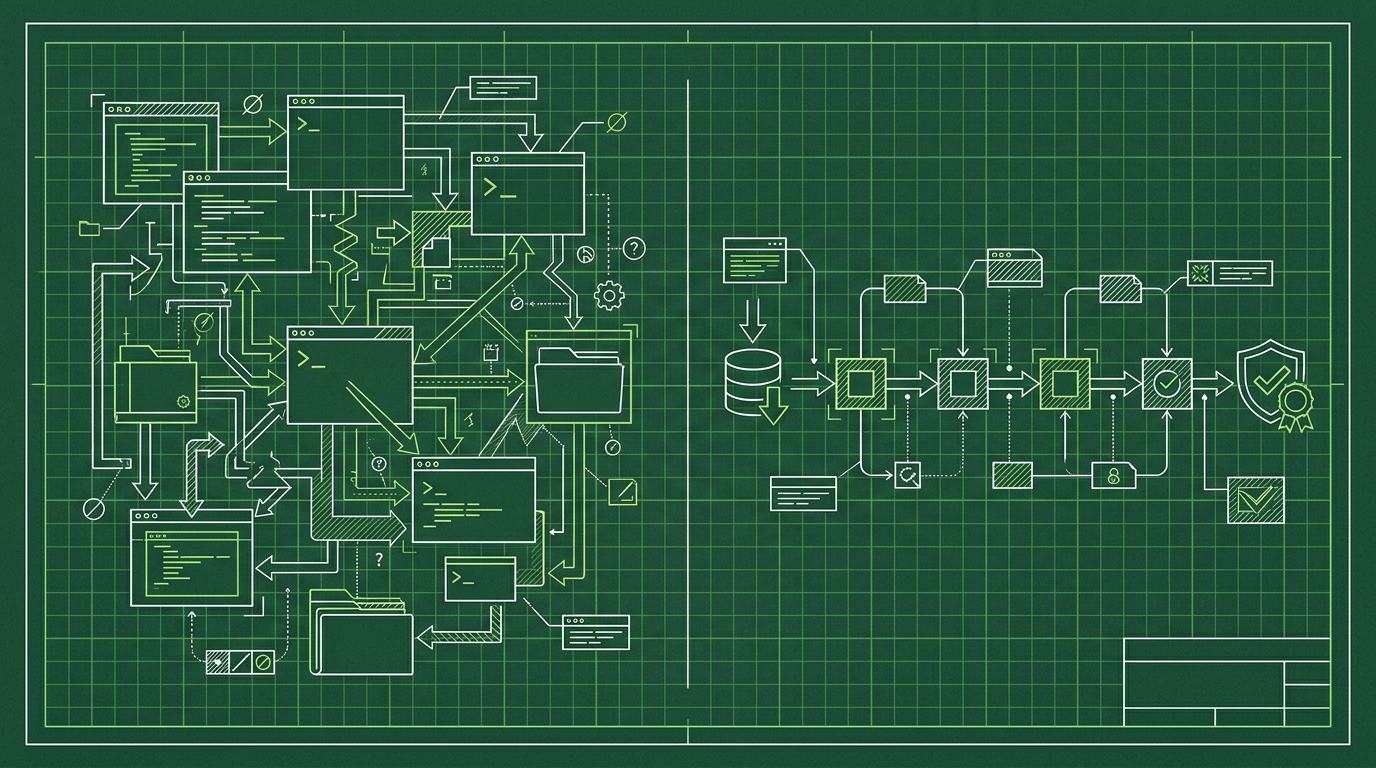
The OpenTimestamps protocol is open and free. Nothing stops you from wrapping it in your own scripts: collect hashes, batch them, produce receipts, store them somewhere durable, and hope someone remembers to check that each proof eventually confirmed in a Bitcoin block.
That “hope someone remembers” is the crux. A timestamping pipeline is not hard to start and surprisingly hard to keep correct for years. Bitcoin anchoring is asynchronous — a proof is not final the moment it is created; a confirmation in a block takes hours. Someone has to track pending proofs, re-check them, store the results, and keep the whole thing running across staff turnover.
Timestamp GIT takes that loop and hides it behind a GitHub App. You install it, pick repositories, and every commit hash is anchored automatically each night. No CLI on developer machines, no cron job you own, no manual verification ritual.
The trade-off is symmetric and honest:
- CLI: maximum control, zero license cost, all operational risk on you.
- Timestamp GIT: less control over internals, predictable cost, operational risk (and the boring parts) handled by the vendor.
This comparison stays at the operational and compliance level. If you want the protocol theory, read What Does a Bitcoin Timestamp Prove About Your Code? first — the rest of this article assumes you know why you want proofs, not how the hashing works.
The Landscape: What Options Exist for Git Commit Timestamping?
Three realistic setups show up in practice:
1. OpenTimestamps CLI (do it yourself). A free, open-source toolchain for creating and checking timestamp proofs on files. It is genuinely good software, and it is the same protocol everyone else builds on. But it does not know what Git is. You write the glue: a script that extracts commit hashes, batches them, invokes the tooling, uploads the resulting .ots receipts somewhere durable, and a second process that tracks each proof until it lands in a Bitcoin block. That is the hard way, and it is a permanent maintenance line item.
2. Timestamp GIT (managed). A SaaS with a GitHub App. It reads the HEAD commit hash of monitored repositories, batches all pending hashes from all customers at midnight, builds a Merkle tree per repository, and anchors the Merkle root into Bitcoin via the OpenTimestamps protocol. The manifest and .ots receipts are pushed back into your own repo — either a dedicated timestamps branch or a separate shadow repository. Add verification badges, a public status dashboard, audit CSV/PDF exports, and a REST API on top.
3. Hybrid. Managed service for continuous coverage of everything that ships, plus a manual process for the occasional off-Git artifact (a design doc, a spec, a firmware blob). This is common and sane. The proofs are compatible; nothing breaks when you mix.
One thing worth stating plainly: you cannot timestamp Git history after the fact and get the same value. Proofs matter most when they are continuous and boring, covering every commit, including the one that turns out to matter eighteen months later in a patent dispute.
Selection Criteria: How to Evaluate Your Options
Five criteria decide this in practice. Score both options against each before you look at the price tag.
Ease of setup. The CLI path means scripting, proof storage design, and decisions about which OpenTimestamps calendar servers you rely on. Budget days for the first version and ongoing time for drift. Timestamp GIT installs as a GitHub App: connect the repository, done. In Standard mode it needs read-only access to the source repo (GitHub has no “commit hash only” scope) and read-write access to the repository where proofs are stored. Nothing gets installed on developer machines.
Automation. With the CLI, timestamps happen when your script runs — which means a cron job, a CI step, or a human. With Timestamp GIT, a midnight cron worker groups all pending hashes, writes per-repo manifests, builds the Merkle tree, creates the proofs, and anchors the root. Bitcoin confirmation typically takes around three hours, so receipts appear a few hours after midnight, unattended.
Security and privacy. Self-rolled pipelines keep everything in-house, but you also own every failure mode. Timestamp GIT is zero-knowledge by design: it never sees, copies, or stores source code — only commit hashes. Two deployment modes cover the spectrum:
- Standard mode (GitHub App): automatic, read-only on source, read-write on the proof target.
- Enterprise ZK mode: a 12-line GitHub Action runs on your infrastructure and pushes only the commit hash to the API, so the service never needs read access to the source repository.
For air-gapped or maximum-security environments, the Docker self-hosted license runs the same application inside your own network.
Integration and auditability. The CLI gives you raw .ots files and leaves reporting to you. Timestamp GIT gives you embeddable README badges, a public status dashboard per repository (proof longevity, earliest anchor date, daily regularity, Bitcoin block and transaction data, a calendar heatmap), downloadable audit CSV, PDF certificates per date, and a verification page where the full Merkle chain is computed locally in the browser.
Cost. The CLI is free to license and expensive in engineer-hours — and those hours recur. Timestamp GIT is tiered: Open Source (free, public repos), Pro Agency ($49/mo, private repos), Enterprise ZK ($199/mo, GitHub Actions). The Docker image is licensed separately, with a time-limited demo license available on request. A detailed breakdown lives in Git Commit Timestamp Service Pricing: Which Tier Fits Your Team.
Side-by-Side Comparison: Timestamp GIT vs. OpenTimestamps CLI
| Criterion | OpenTimestamps CLI | Timestamp GIT |
|---|---|---|
| Setup effort | Days of scripting: hash extraction, batching, proof storage, calendar configuration | Install the GitHub App, select repos. Zero code changes, nothing on developer machines |
| Automation level | Whatever you schedule — cron, CI, or manual runs | Automatic nightly anchoring via a midnight cron worker |
| Security model | Full control; your infrastructure, your key and storage decisions | Zero-knowledge: hashes only. Standard (GitHub App) or Enterprise ZK (12-line GitHub Action); Docker for air-gapped |
| Proof delivery | Files you generate and store yourself | Manifest .txt + .ots receipts pushed to a timestamps branch or shadow repository |
| Verification methods | Standard OpenTimestamps verification tools, run by you | Local in-browser Merkle verification page, badge links, PDF report — plus standard OTS tools if you want them |
| Audit and reporting | Build it | Status dashboard, audit CSV, PDF certificate, REST API |
| Pricing | Free tool; recurring engineering time | Open Source free · Pro Agency $49/mo · Enterprise ZK $199/mo · Docker license |
| Support | Your own team | Vendor-operated service; self-hosted ships with a setup wizard and documentation |
| Vendor lock-in | None by definition | None: standard .ots proofs anchored in Bitcoin, verifiable offline |
Two clarifications that matter to compliance reviewers.
First, both paths produce the same class of evidence: a proof anchored in a Bitcoin block, verifiable against public block data. Timestamp GIT adds convenience layers — badges, dashboards, certificates, an API — not a different cryptographic commitment.
Second, that means no lock-in. If the vendor disappeared tomorrow, the proofs in your repository remain verifiable offline using Bitcoin block data. You can also cross-check them through the product’s own API:
# Latest anchored block + totals for a repo (public)
curl -s https://timestampgit.dev/api/statusSummary/acme/payments-service

# Full Merkle chain data for a specific day, for local verification
curl -s https://timestampgit.dev/api/verify/acme/payments-service/2026-10-14

# Download the complete audit ledger as CSV
curl -LO https://timestampgit.dev/api/audit/acme/payments-service

# PDF certificate for one date
curl -LO https://timestampgit.dev/api/report/acme/payments-service/2026-10-14
Badges are the cheapest compliance signal you can ship. GET /api/badgeLink/{user}/{repo} returns the badge URLs plus a ready-to-paste Markdown block for your README, so anyone reviewing the repo can click through to the public status page. Private repositories get an encrypted HMAC appended to their URLs, scoped to the server instance, so only authorized people can read the status.
Verdict: Who Should Pick Which?
Pick the OpenTimestamps CLI if you have dedicated engineering time and intend to keep it, you need step-level control over every part of the pipeline, and timestamping is an occasional need rather than continuous coverage of every commit.
Pick Timestamp GIT if you want the pipeline to exist without you owning it: every commit anchored nightly, proofs committed back into your own Git, badges and dashboards for auditors, and PDF certificates you can hand to counsel. Most teams that describe their requirement as “we need to be able to prove this in a dispute” land here.
Pick Timestamp GIT self-hosted (Docker) if you want that workflow but the hashes cannot leave your network. A quick-start Docker Compose setup looks like this:
services:
  timestampgit:
    image: rue1401/timestampgit:prod
    ports:
      - "8080:8080"
    volumes:
      - ./data:/app/data
    restart: unless-stopped
  valkey:
    image: valkey/valkey:8
    restart: unless-stopped
docker compose pull
docker compose up -d
docker compose logs -f timestampgit
The application comes up at http://localhost:8080; on first launch a setup wizard walks you through connecting your GitHub App and configuring the instance.
A practical migration path: start on the free Open Source tier for public repositories, confirm the nightly receipts actually land in your timestamps branch, then upgrade to Pro Agency when private repos enter scope.
FAQ
Can I use Timestamp GIT and the OpenTimestamps CLI together?
Yes. Timestamp GIT produces standard .ots proof files that are compatible with the OpenTimestamps protocol. You can verify Timestamp GIT proofs using standard OpenTimestamps verification tools if you prefer, but you don’t have to — Timestamp GIT provides its own verification dashboard and PDF certificates.
Does Timestamp GIT lock me into a proprietary format?
No. Timestamp GIT anchors proofs in the Bitcoin blockchain using the OpenTimestamps protocol. The proofs are vendor-independent and can be verified offline using Bitcoin block data. You are not locked in.
How does Timestamp GIT handle private repositories?
In Standard mode, the GitHub App requires read-only access to the source repository to read commit hashes, and read-write access to a target repository where proofs are stored. For stricter zero-knowledge requirements, Enterprise ZK mode uses a GitHub Action that pushes only commit hashes to the Timestamp GIT API, so the service never has read access to your source code.
Is there a self-hosted option for Timestamp GIT?
Yes. Timestamp GIT offers a Docker image for self-hosting, ideal for air-gapped or high-security environments. A quick-start Docker Compose setup includes the Timestamp GIT image (rue1401/timestampgit:prod) and a Valkey image (valkey/valkey:8). A time-limited demo license is available upon request.
Which option is cheaper for a five-person team?
It depends on what you count. The CLI has no license fee, but the engineering hours recur every month and the pipeline has to survive staff changes. Compare that against Pro Agency at $49/mo for private repositories — and remember that the proof output is the same class of evidence in both cases.
Conclusion
The OpenTimestamps CLI is the right answer when control is the requirement and you have the people to sustain it. For most teams, the requirement is actually coverage: every commit, every night, without anyone remembering to run something. That is an operations problem, and it is the one Timestamp GIT is built to absorb — install the GitHub App once, let the midnight worker anchor your commit hashes into Bitcoin, and ship the badge with the proof already in your repo.
Install the GitHub App on a test repository today, and check tomorrow morning that the receipts are there. That five-minute experiment tells you more than any comparison table.
Related posts
- How to Prove Prior Art for a Software Idea Without a Patent
- Automate Bitcoin Timestamping for Every GitHub Commit
- Git Commit Timestamp Service Pricing: Which Tier Fits Your Team
