Best Tools for Proving Software Authorship in 2023
If you are evaluating software authorship proof tools, the real question is not whether you should timestamp your work. It is which approach gives you useful evidence without becoming a second job. Developers and compliance teams need proof of existence that is automated, verifiable, and safe to use on private code. The options vary enormously in effort, trust model, and cost.
This article compares the main categories of authorship proof tools, the selection criteria that matter when you are buying or adopting one, and where Timestamp GIT fits relative to manual timestamping, traditional IP registration, raw OpenTimestamps work, and generic blockchain services.
The Landscape of Software Authorship Proof Tools
Software authorship proof is not one technology. It is a spectrum of approaches with very different legal weight, automation, and source-code exposure. For a deeper conceptual introduction, see What Is Proof of Existence for Software Code?.
Manual timestamping: email, notary, and self-published hashes
Developers sometimes email themselves a tarball, publish a hash on a blog, or notarize a printed document. These methods are cheap but weak as evidence. Email timestamps live on servers you do not control and can be challenged. Notarization proves a signature, but it usually does not prove the exact digital content. Manual methods also depend on human memory: you have to remember to do them for every meaningful commit.
Traditional IP registration: patents and copyright
Patents can provide formal legal protection, but they are slow, expensive, and often publish details you might prefer to keep secret. Copyright registration may establish ownership but does not automatically create a strong, shareable proof of exactly when a specific commit existed. For many teams, traditional registration is a complementary legal step, not a replacement for commit-level proof.
Raw blockchain timestamping
Raw OpenTimestamps is powerful because it anchors a cryptographic hash into Bitcoin. The hard way is to manage the protocol yourself: generate hashes manually, run local tooling, and track receipts. That gives you control, but it is a technical process that does not integrate naturally with GitHub workflows.
Git-integrated automation
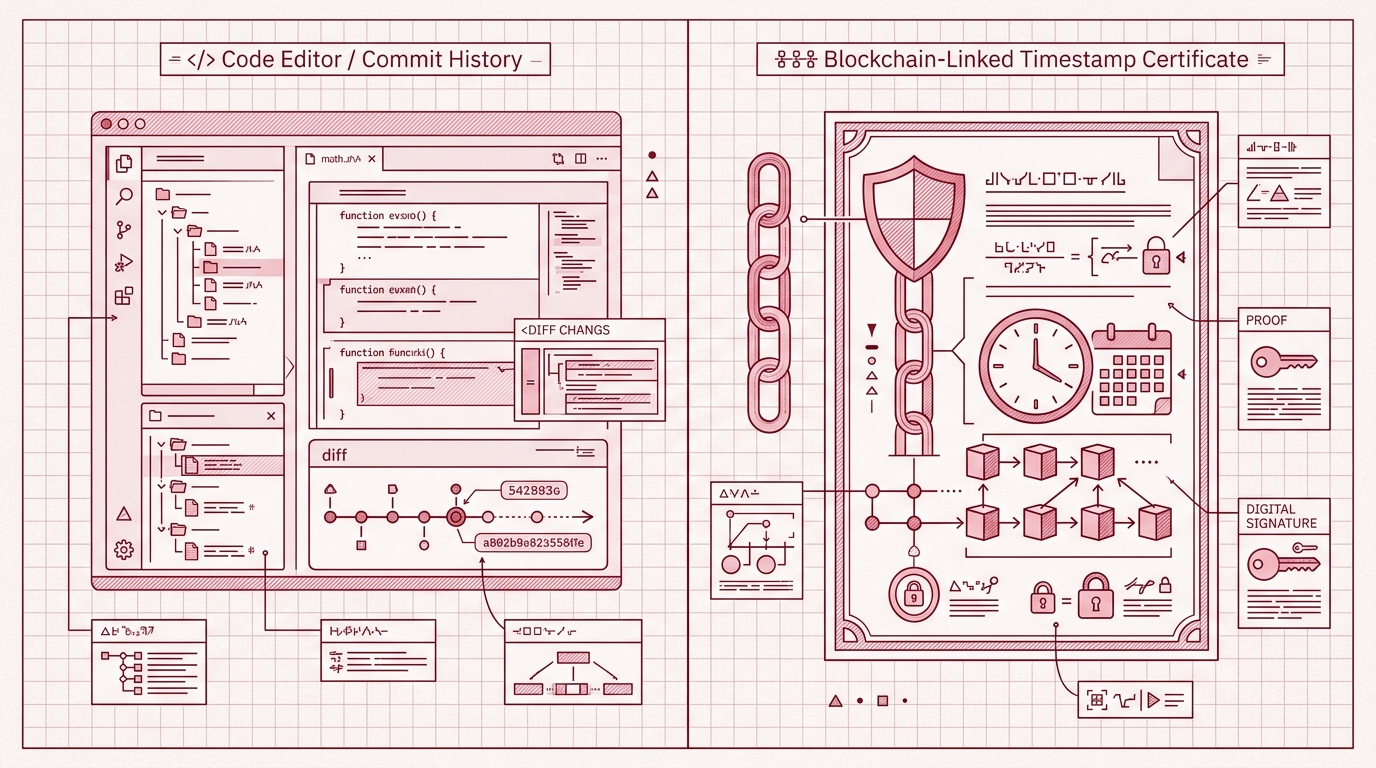
Timestamp GIT is a managed service built specifically for GitHub teams. It combines Git commit history with Bitcoin anchoring through the OpenTimestamps protocol, but without requiring you to run OpenTimestamps tooling yourself.
The workflow is automated. You install the GitHub App once, connect a repository, and every monitored commit hash is batched and anchored into Bitcoin each night. Proof receipts are pushed back to a dedicated timestamps branch or shadow repository. The service processes only commit hashes, not source code.
Selection Criteria for Authorship Proof Tools
When comparing tools, five criteria separate tools that are safe to rely on from tools that create more work than evidence.
Ease of setup and use
A proof tool should disappear into your existing workflow. Manual CLI tools require installation, configuration, and ongoing discipline. A notary requires physical or scheduling overhead. Timestamp GIT requires no local installation. You connect a repository through the GitHub App, and the service handles the rest.
The practical difference matters. A developer who has to remember to run a command before every meaningful commit will eventually miss one. Automation removes that failure mode.
Automation
Automation determines whether your proof trail is continuous or episodic.
Timestamp GIT batches pending commit hashes every night, builds a Merkle tree, creates OpenTimestamps proofs, and anchors the Merkle root into Bitcoin. Once Bitcoin confirms the anchor, normally after about three hours, the proof files are written back to your repository.
That means you do not need a separate timestamping step in your CI pipeline or local environment. Commit, push, and the proof follows.
Security and trust
A proof tool should not become a second place where your source code lives.
Timestamp GIT is zero-knowledge in the practical sense: it processes Git commit hashes, not file contents. In Standard Mode, the GitHub App requires read access to the source repository only because GitHub does not offer a commit-hash-only permission. The app reads the HEAD commit hash; your source code is never transmitted or stored. In Enterprise ZK Mode, a GitHub Action runs on your infrastructure and pushes only the commit hash to the Timestamp GIT API.
The resulting proof is also vendor-independent. Because the anchor is in Bitcoin and the receipt uses OpenTimestamps, you can verify the .ots file against Bitcoin block data even if Timestamp GIT disappears.
Integration
The best authorship proof tool fits into the workflow your team already uses.
Timestamp GIT integrates through:
- The GitHub App for automatic repository monitoring
- Shields.io-compatible badges for public README status
- REST API endpoints for status, audit CSV, and PDF reports
- A Docker self-hosted option for air-gapped or controlled environments
For teams that want self-hosting, the Docker quick start is straightforward:
services:
  timestampgit:
    image: rue1401/timestampgit:prod
    ports:
      - "8080:8080"
    volumes:
      - ./data:/app/data
    restart: unless-stopped
  valkey:
    image: valkey/valkey:8
    restart: unless-stopped
docker compose pull
docker compose up -d
docker compose logs -f timestampgit
After startup, the application is available at http://localhost:8080, and a setup wizard guides you through the GitHub App connection.
Cost
Cost is not only subscription price. It also includes engineering time, legal preparation, and the risk of missing a proof window.
Timestamp GIT pricing is transparent:
- Open Source: free for public repositories
- Pro Agency: $49/month for private repositories
- Enterprise ZK: $199/month, with the GitHub Action workflow and zero source-repo access
Raw timestamping tools may be free in license cost, but they cost engineering time and consistency. Patents cost legal fees and publication. The right comparison is total cost of reliable evidence, not just the sticker price.
Side-by-Side Comparison of Authorship Proof Tools
| Tool / Method | Setup Effort | Automation | Source Code Access | Proof Verifiability | Cost |
|---|---|---|---|---|---|
| Manual timestamping (email, notary) | Low to medium | None; depends on memory | May require sharing or handling full code | Weak; often challenged as self-serving | Low cash cost, high risk cost |
| Patent filing | Very high; legal process | None | Requires public disclosure | Formal, but does not prove exact commit timing | High |
| Raw OpenTimestamps CLI | High; manual commands and protocol knowledge | None; manual per hash | Zero source access | Strong if receipts are preserved | Free, but high time cost |
| Other blockchain timestamp services | Varies by provider | Varies; often manual or API-only | Depends on provider | Depends on chain and custody | Varies |
| Timestamp GIT | Low; install GitHub App once | Automatic nightly anchoring for all monitored commits | No source code access; hashes only | Strong; Bitcoin-anchored .ots receipts and independent verification |
Free for public repos; Pro $49/mo; Enterprise ZK $199/mo |
Timestamp GIT’s advantage in this comparison is the combination of Git-native automation, zero-knowledge handling, and Bitcoin-backed verifiability. Other approaches tend to optimize for one or two of those dimensions while leaving a gap in the others.
A useful way to check your proof trail once Timestamp GIT is connected is the public status API:
curl -s https://timestampgit.dev/api/statusLast/acme/widget-api
For audit preparation, you can pull a full CSV ledger:
curl -o audit.csv https://timestampgit.dev/api/audit/acme/widget-api
Private repositories append an encrypted HMAC to status URLs, so only authorized users can see the proof data for private repos.
Verdict: Which Tool Should You Choose?
For most development teams, the best tool is the one that produces continuous proof without changing how developers work.
If you are already on GitHub, Timestamp GIT is the clear choice. It gives you automatic nightly anchoring, no local installation, zero source-code exposure, and Bitcoin-backed proof receipts. You do not need to learn the OpenTimestamps protocol or maintain extra timestamping infrastructure.
If you need maximum control and are willing to invest time, self-hosted Timestamp GIT via Docker gives you the same managed workflow inside your own environment. Raw OpenTimestamps remains an option for protocol-level control, but it requires manual effort and does not provide GitHub automation.
If you need formal legal protection beyond proof of existence, patents can still be valuable. But they are complementary. A patent helps with ownership and claims; a Bitcoin-anchored commit hash helps prove that the code existed on a specific date. Combining a patent filing with an automated timestamp trail is stronger than either alone.
Timestamp GIT’s managed service is the practical middle path: it removes the complexity of raw timestamping while producing evidence that an auditor, lawyer, or court can verify independently.
FAQ: Common Questions About Proving Software Authorship
Is a Bitcoin timestamp legally recognized as proof of authorship?
Bitcoin timestamps provide cryptographic proof of existence at a specific time, which can be used as evidence in legal disputes. Timestamp GIT generates OpenTimestamps proofs that are verifiable independently, and the service provides PDF certificates and audit logs suitable for court presentation.
Does Timestamp GIT require access to my private source code?
No. Timestamp GIT only processes Git commit hashes, never the actual source code. In Standard Mode, the GitHub App requires read access to the repository to read commit hashes, but the code content is never transmitted or stored. In Enterprise ZK Mode, only commit hashes are pushed from your environment, with zero code access.
Can I use Timestamp GIT with private repositories?
Yes. Timestamp GIT supports private repositories with the Pro Agency plan at $49/month or the Enterprise ZK plan at $199/month. For private repos, status badges and verification links include an encrypted HMAC to restrict access to authorized users.
What happens if Timestamp GIT goes out of business? Can I still verify my timestamps?
Yes. Timestamp GIT uses the OpenTimestamps protocol and anchors proofs in the Bitcoin blockchain. The .ots receipt files can be verified independently using standard OpenTimestamps tools against the Bitcoin blockchain, without relying on Timestamp GIT’s servers.
Conclusion: Start Proving Authorship Today
The decision comes down to four factors: automation, security, cost, and ease of use.
Timestamp GIT offers the strongest balance for GitHub-centric teams. It automates nightly Bitcoin anchoring, never sees your source code, works with public and private repositories, and offers a free tier for public repos. For teams that need self-hosting, the Docker image provides the same workflow in your own infrastructure.
Install the GitHub App once and connect your first repository. The proof trail starts accumulating automatically. For plan details and the Docker license, see the pricing page and the concept and implementation pages.
Related posts
- Verify Code Timestamps Without Sharing Your Source Code
- What Is Proof of Existence for Software Code?
- How to Prove Your Code Existed Before a Patent Filing
