Git Commit Timestamp Proof for Patent Disputes
In a patent dispute, the expensive question is rarely “did you write this code?” It is “can you prove when?” Git records a date on every commit, but that date lives in a database you don’t own and can rewrite with a single rebase. A Git commit timestamp proof for patent disputes solves that gap by turning your commit history into cryptographic prior art that a third party can verify against the Bitcoin blockchain — without anyone reading your source code.
This article explains what that proof actually is, how it is produced automatically, and where it holds up in a legal conversation.
What Is a Git Commit Timestamp Proof?
A Git commit timestamp proof is a cryptographic record showing that a specific commit hash existed at a specific point in time, anchored into the Bitcoin blockchain. That’s the whole definition. It doesn’t describe your code, your logic, or your business — it proves existence of a fingerprint at a moment in time.
It helps to separate two things developers usually conflate:
- The commit date in Git. Stored in the commit object, editable with
git commit --amendor a rebase, and hosted on infrastructure you don’t control if you use a platform like GitHub. In a legal audit, internal logs like this are routinely dismissed as self-serving or manipulatable. - A Bitcoin-anchored proof. A record that the hash existed before a given Bitcoin block was mined. Once a block is confirmed, no entity — not the hosting provider, not us, not you — can alter or backdate it.
One point that surprises people: the proof covers the commit hash, not the source code. Timestamp GIT never sees, copies, or stores your actual source. It mathematically stamps the hash and nothing else. That is zero-knowledge by design, and it is what makes the whole approach safe to use on private and even trade-secret repositories.
If you want the wider picture of how this fits into an IP strategy, the intellectual property guide for developers covers the surrounding ground; this article stays on the timestamp proof itself.
The Notary Analogy: Why a Timestamp Is Evidence
Think about a notary public. You hand over a sealed envelope, and the notary stamps the date on it. The notary does not open the envelope, does not read the letter, and does not keep a copy of the contents. The stamp certifies one thing only: this sealed object existed on this date.
Now map that onto this workflow:
- The sealed envelope is your commit hash — a one-way SHA-1/SHA-256 fingerprint of the repository state. It reveals nothing about the contents, but it is uniquely tied to them.
- The notary is Bitcoin. It cannot be bribed, it cannot be pressured into backdating a stamp, and it has no opinion about your business.
- The notarized carbon copy you keep is the
.otsreceipt file and the manifest. You hold the evidence, and you can hand it to anyone.
Why does the analogy matter legally? Because the failure mode of internal evidence is not that it’s wrong — it’s that it’s your evidence. A Git server log says “trust me.” A public blockchain anchor says “check it yourself, here is the math.” That difference is what turns a commit history into something a lawyer can build a prior-art argument on.
How Timestamp GIT Turns Commits into Patent-Dispute Evidence
The three-step model is straightforward.
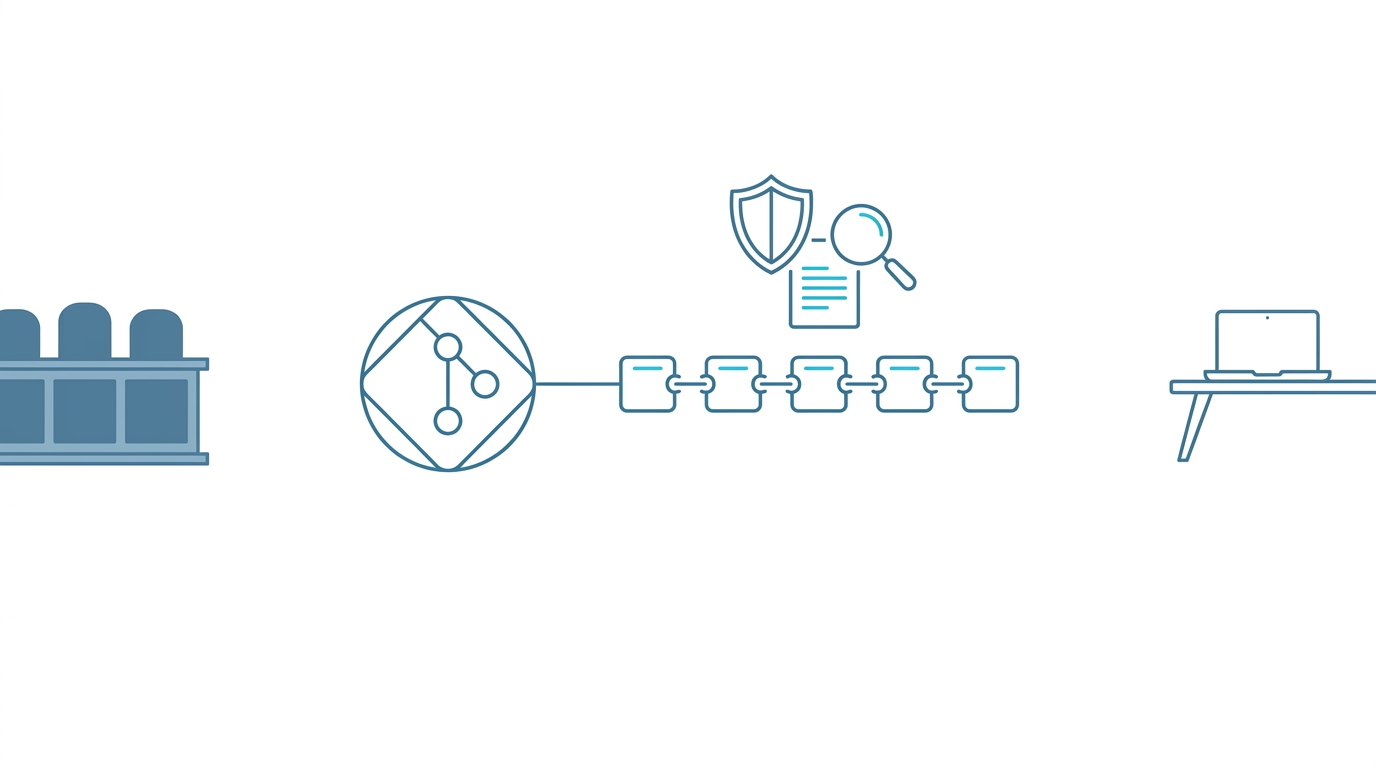
Step 1 — Fingerprint. When you commit, Git generates a unique one-way hash (SHA-1 or SHA-256) representing the exact state of your entire repository at that moment. This is a cryptographically secure fingerprint of your work.
Step 2 — Anchor. Timestamp GIT extracts only the commit hashes, collects them in a daily text manifest file per repository, generates a SHA-256 hash of that manifest, builds a Merkle tree, and anchors the Merkle root into a Bitcoin transaction using the OpenTimestamps protocol. The hash’s existence is frozen in time in a specific Bitcoin block.
Step 3 — Proof. You receive an immutable .ots receipt file. The manifest and receipts are pushed back into your own repository — either in a dedicated timestamps branch or in a separate shadow repository — ready for a lawyer, auditor, or court.
Under the hood, the managed pipeline looks like this:
- Commit detection — the GitHub App detects new commits via webhooks.
- Hash queue — commit hashes go into an in-memory key-value store for batching.
- Midnight cron worker — each night, a worker groups pending hashes, writes the
.txtmanifests, builds the Merkle tree, creates the proofs against public OTS calendars, and anchors the root into Bitcoin. - Proof delivery — manifests and receipts land back in your repository. Bitcoin confirmation normally takes around three hours, so the proof writing finishes a few hours after the batch runs.
The important part for your team: you install the GitHub App once. There are no CLI tools, no protocol commands, no manual steps. The nightly worker does the rest, and there is nothing to install on your developers’ machines. Even the raw protocol approach — orchestrating the calendars and transactions yourself — is something we treat as an implementation detail rather than a workflow you should ever have to run.
For teams that want the hash to leave their infrastructure by their own hand, Enterprise ZK mode swaps the webhook for a 12-line GitHub Action that runs on your runners and pushes only the commit hash to the Timestamp GIT API. Your source repository stays out of the picture entirely.
Why This Matters in a Patent Dispute (and What People Get Wrong)
Three scenarios come up again and again:
- Patent trolls. Non-practicing entities file broad patents on common technologies. If you implemented that technology months before their filing date and can prove it, the anchored commit date becomes prior art that can invalidate the claim.
- Employee disputes. When a lead developer leaves, arguments start about when a feature was conceived. An immutable timestamp replaces “he-said, she-said” with a date that neither side can edit.
- Clean-room claims. A competitor says they “independently developed” something similar. Proving you had the finished logic 18 months earlier creates a mathematical wall that a story about independent development cannot climb.
And three misconceptions worth killing early:
- “My GitHub commit history is enough.” It is hosted by a third party you don’t control, and it is editable. Amend, rebase, force-push — the dates move.
- “I have to publish my code to prove I had it.” No. Timestamp GIT anchors the hash, never the source. You get prior-art evidence without disclosing the implementation — which is exactly what you want for trade secrets.
- “I’d have to run OpenTimestamps myself.” You don’t. The GitHub App handles the protocol end to end, and the next section shows how you check the result.
Verifying and Presenting the Proof
Verification is local and zero-knowledge. Anyone can take the .ots file and check it against the Bitcoin blockchain without trusting Timestamp GIT — or needing our company to exist. The cryptographic proof relies entirely on SHA-256 and Bitcoin block data. That’s what “vendor independent” means in practice: no proprietary format, no lock-in.
For day-to-day use, the product surfaces the same evidence in friendlier forms:
- Public verification page at
/verification/{user}/{repo}/{date}— a step-by-step, multi-level Merkle chain check. All computation happens locally in your browser. Nobody sees what you verify. - PDF certificate for a specific date (
/api/report/{user}/{repo}/{date}), which is the artifact you hand to legal counsel. - Audit CSV of the full ledger (
/api/audit/{user}/{repo}), useful for a complete chain-of-custody review. - README badges that publicly display verification status. Investors and acquirers read these as IP maturity signals. The badge URLs and markdown snippets come from
/api/badgeLink/{user}/{repo}.
A quick way to check public status from a script:
curl -s https://timestampgit.dev/api/statusSummary/acme/payments-service
Private repositories append an encrypted HMAC to the URL, so only authorized users can view their status. The HMAC is specific to the server instance.
For the step-by-step version of this process — including how to walk through the Merkle chain yourself — see How to Verify a Git Repository’s Bitcoin Timestamp.
Deployment Options: Managed, Enterprise ZK, or Self-Hosted
Standard mode (GitHub App). Install the app on the repository. It reads only the HEAD commit hash and writes proofs into a timestamps branch or a shadow repo. GitHub’s permission model means we need at least read-only access to the source repo (there is no commit-hash-only permission), plus read-write access to the target repo.
Enterprise ZK mode. A 12-line GitHub Action runs on your infrastructure and pushes only the commit hash to the API. No read access to the source repo is required, and your code never leaves your environment.
Docker self-hosted license. For maximum security and air-gapped environments, Timestamp GIT ships as a Docker image. A quick-start Docker Compose setup looks like this:
services:
  timestampgit:
    image: rue1401/timestampgit:prod
    ports:
      - "8080:8080"
    volumes:
      - ./data:/app/data
    restart: unless-stopped
  valkey:
    image: valkey/valkey:8
    restart: unless-stopped
docker compose pull
docker compose up -d
docker compose logs -f timestampgit
The application is available at http://localhost:8080 after startup, and a setup wizard on first launch walks you through connecting your GitHub App. A time-limited demo license for evaluation is available via the request form on the Docker License page. The self-hosted Docker walkthrough covers the full setup if you go that route.
FAQ
Is a Bitcoin-anchored Git commit timestamp actually admissible in a patent dispute? It provides court-ready evidence based on globally recognized cryptographic standards. The proof shows that a commit hash existed at a specific Bitcoin block time, which can be used to establish prior art. Admissibility depends on your jurisdiction and your legal counsel, but the cryptographic proof itself is mathematically verifiable by anyone.
Does Timestamp GIT see or store my source code? No. Timestamp GIT only processes commit hashes. In Standard mode the GitHub App reads the HEAD commit hash; in Enterprise ZK mode a GitHub Action pushes only the hash from your infrastructure, with no read access to the source repository. Your code stays in your environment.
What do I need to install on my developers’ machines? Nothing. Timestamp GIT is a managed GitHub App. You install it once on the repository, and every commit is anchored automatically each night. There are no CLI tools for your team to learn or remember.
How much does it cost to protect a private repository? Public repositories are free under the Open Source plan. Private repositories are covered by Pro Agency at $49/month, and Enterprise ZK with GitHub Actions is $199/month. A Docker self-hosted license is also available for air-gapped environments, with a time-limited demo license for evaluation.
Conclusion
A Git commit timestamp proof turns something you already do — committing code — into prior art you can defend. The commit history alone won’t survive a legal audit, because it’s editable and hosted by someone else. A hash anchored in Bitcoin will, because the math is public and the record is immutable.
The practical path is to stop thinking about timestamps as a manual chore. Install the GitHub App once, point it at the repositories that matter, and let the nightly anchor do the work. Check the status dashboard when you need evidence, embed a badge when you want to show IP maturity, and hand the .ots receipt to your lawyer the day you actually need it.
Related posts
- How to Verify a Git Repository’s Bitcoin Timestamp
- Automated Git Timestamping: How a GitHub App Anchors Every Commit
- Protecting Intellectual Property: A Guide for Software Developers
